
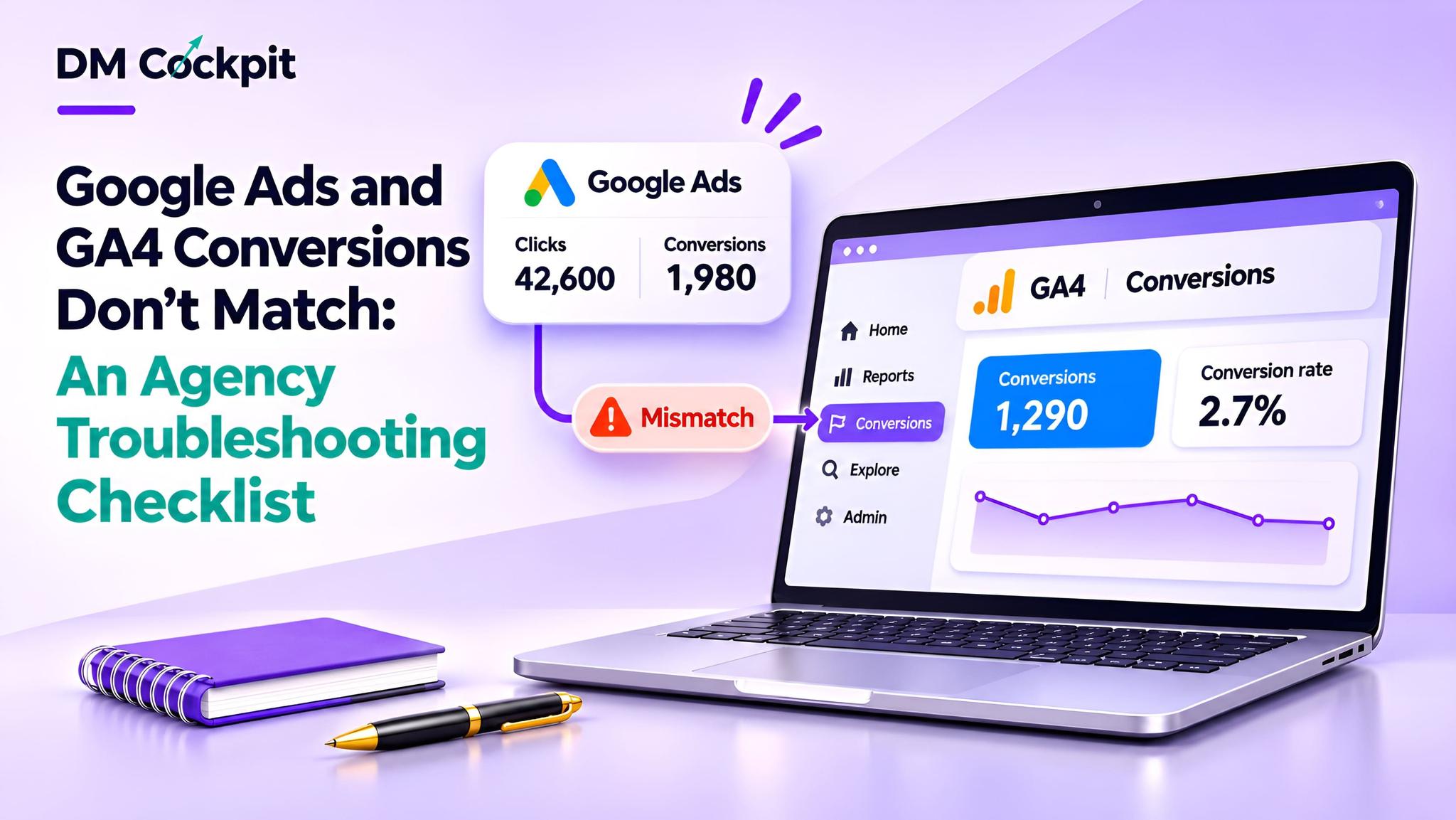
Your Google Ads dashboard reports 145 conversions, while Google Analytics 4 (GA4) shows 119. Both accounts belong to the same client, both cover October, and the client wants to know which figure is correct.
A Google Ads and GA4 conversion discrepancy does not automatically mean something is broken. The platforms may be measuring different actions, assigning credit differently or displaying results using different reporting settings.
For agencies, the priority is finding the reason before changing tracking configurations. This checklist explains what to investigate, which comparisons are meaningful and how to communicate the findings without confusing clients.
First, Check Whether the Numbers Are Comparable
Before investigating tracking errors, establish what each dashboard measures.
GA4 distinguishes between key events and conversions:
- Key events measure important website or app interactions, such as purchases or enquiry submissions.
- Conversions measure actions used to evaluate advertising performance and support campaign optimisation.
Google's unified conversion-management framework allows conversions based on GA4 events to be shared between Analytics and Google Ads.
However, standard GA4 behavioural reports and Google Ads conversion reports are not necessarily comparable.
For advertising performance, start with the Conversion performance report in GA4's Advertising section.
Google explains these distinctions in its official conversion management documentation.
Seven Checks to Identify the Real Problem
A systematic investigation is more reliable than immediately reinstalling tags or modifying attribution settings.
1. Confirm That Both Platforms Measure the Same Action
Google Ads may count selected purchase conversions, while a GA4 report includes purchases, registrations and enquiry submissions.
Naturally, the totals will differ.
Check the following:
- Exact conversion action or event name.
- Whether the action originates from GA4 or another tracking source.
- Primary and secondary conversion settings in Google Ads.
- Whether multiple actions represent the same interaction.
Agency action: Create a short inventory of conversion actions before comparing results.
2. Review Attribution Models and Eligible Channels
Attribution determines which marketing interactions receive credit.
Imagine someone discovers a company through organic search, returns through a Google advertisement and later submits an enquiry.
Depending on the reporting configuration, credit may be assigned differently.
Review:
- Attribution models used in the selected reports.
- Whether Google paid channels or paid and organic channels can receive credit.
- Reporting scope and attribution timing.
- Whether the selected figures represent advertising conversions or broader website activity.
Google's unified conversion framework improves consistency, but report settings still matter.
Agency action: Record the attribution configuration before explaining differences.
3. Check Conversion Dates and Reporting Windows
The same conversion can appear in different reporting periods.
Suppose a customer clicks an advertisement on 29 October and purchases on 2 November.
Google Ads may attribute the conversion to the advertising interaction date, while event-based GA4 reporting records the action when it happens.
When investigating:
- Use matching reporting periods.
- Compare conversion-time reporting where appropriate.
- Check relevant conversion windows.
- Allow for reporting delays.
Google Ads provides conversion-time columns that can help agencies make more meaningful comparisons.
Agency action: Reconcile dates before treating the difference as missing data.
4. Compare Conversion Counting Methods
Counting settings can affect totals even when the underlying customer activity is similar.
For example, a visitor might complete two legitimate purchases following one advertisement interaction.
A conversion action configured to count every eligible conversion may report both. A setting counting one conversion per interaction may not.
|
Business action |
What agencies should check |
|
Ecommerce purchase |
Whether every eligible purchase is counted |
|
Enquiry submission |
Whether repeated submissions represent separate leads |
|
Registration |
Whether duplicate registrations are excluded |
|
Booking request |
Whether multiple requests are legitimate conversions |
Google's newer conversion-management system aligns many settings by default, but agencies should still verify actual configurations.
Agency action: Match counting rules to the client's business objectives.
5. Verify Account Time Zones
Time zones are easy to overlook.
Google Ads uses its account time zone, while GA4 uses the property time zone.
An action completed near midnight may therefore appear on different dates.
This becomes especially relevant when agencies manage international accounts or compare daily results.
Agency action: Document both time zones and investigate differences around reporting boundaries.
6. Investigate Consent and Tracking Quality
If the reporting definitions align but discrepancies remain substantial, examine data collection.
Potential problems include:
- Missing or incorrectly configured tags.
- Duplicate conversion events.
- Changes to website forms or checkout pages.
- Consent settings affecting measurement.
- Advertising identifiers not being available.
- Events triggering before successful completion.
Identity signals and modelling can also affect the relationship between key-event and conversion reporting.
Google updated its handling of advertising identity signals in June 2026, making current consent configurations particularly important.
Agency action: Use relevant Google diagnostics and website testing to investigate confirmed concerns rather than assuming one platform is inaccurate.
7. Examine Recent Configuration Changes
Sometimes the discrepancy begins after an account update.
An agency may have modified a conversion action, changed attribution settings or introduced a new website event.
Review the available change history and identify:
- When the difference first appeared.
- Which conversion settings changed.
- Whether website updates occurred.
- Whether the discrepancy affects every campaign or only selected actions.
Agency action: Establish a timeline before recommending corrective changes.
What Does the Difference Actually Mean?
Once the checks are complete, classify the finding.
Expected difference: Reporting scope, attribution timing or counting settings explain the variation.
Configuration issue: A verified tracking or conversion-setting problem requires correction.
Unresolved difference: The available evidence does not yet establish the cause.
This classification helps agencies avoid promising that every dashboard must display identical numbers.
For example, a client might see 145 Google Ads conversions and 119 GA4 key events. Before calling the difference 26 missing conversions, confirm that both reports measure comparable actions and attribution scopes.
A percentage difference cannot establish a tracking failure.
How to Explain the Findings During a Client Meeting
Clients need clarity, not a lengthy discussion about every technical setting.
A useful explanation answers three questions.
What happened? Identify the reports, conversion actions and dates being compared.
What have we confirmed? Explain verified differences in attribution, counting or measurement.
What happens next? Describe the correction, further investigation or monitoring required.
Consider this client-facing example:
"Google Ads currently reports more conversions than the GA4 behavioural report. We have confirmed that the reports use different measurement scopes. We are comparing the corresponding advertising conversion data before determining whether any tracking changes are necessary."
This approach communicates progress without presenting assumptions as findings.
Make Conversion Reviews Part of Routine Agency Reporting
Conversion reconciliation should not happen only when a client notices conflicting figures.
Agencies can establish a monthly review covering:
- Conversion action definitions and ownership.
- Important account-setting changes.
- Consistent reporting periods.
- Unexpected differences between comparable metrics.
- Outstanding measurement issues and assigned actions.
Document the findings so future account managers can understand historical changes.
This helps teams coordinate reporting.
Where DM Cockpit Supports Clearer Reporting
Identifying a Google Ads and GA4 conversion discrepancy requires careful investigation within Google's reporting and measurement tools. However, reviewing everyday campaign performance should not involve unnecessary switching between dashboards.
At DM Cockpit, we help marketing teams organise analytics information through our Google Analytics Reporting Tool. Our platform supports traffic analysis, performance monitoring and reporting insights that help agencies understand website activity.
We also provide Google Ads monitoring capabilities for reviewing campaign metrics alongside broader marketing performance.
Our goal is to make routine reporting easier to manage while leaving detailed conversion troubleshooting within the appropriate Google interfaces.
Explore DM Cockpit to see how we can help your agency simplify performance monitoring and communicate marketing results more clearly.
Frequently Asked Questions
1. Why does Google Ads report more conversions than GA4?
Different conversion actions, attribution settings, reporting dates, counting methods or measurement conditions can produce different totals. Agencies should compare equivalent conversion reports before assuming that tracking is incorrect.
2. Should agencies compare Google Ads conversions with GA4 key events?
Not as a direct like-for-like comparison. Google recommends using the Conversion performance report in GA4's Advertising section when evaluating advertising conversions. Standard key-event reports serve different analytical purposes.
3. Can Google Ads and GA4 conversion figures match?
Yes. Google's unified conversion-management framework supports more consistent measurement across both platforms. However, differences can remain because of reporting settings, attribution timing, identity signals or other measurement conditions.
4. Can different time zones cause conversion discrepancies?
Yes. Google Ads and GA4 may use different account or property time zones. Conversions recorded near midnight can appear on different reporting dates, particularly when comparing daily performance.
5. Does linking Google Ads and GA4 automatically resolve reporting differences?
No. Linking supports data sharing and conversion management, but agencies must still verify conversion definitions, attribution settings, counting methods and tracking quality.
6. Can DM Cockpit help agencies monitor Google Ads and GA4 performance?
Yes. DM Cockpit provides Google Analytics reporting and Google Ads monitoring capabilities. Agencies can review supported marketing metrics through the platform while investigating technical conversion discrepancies directly within Google's tools.