
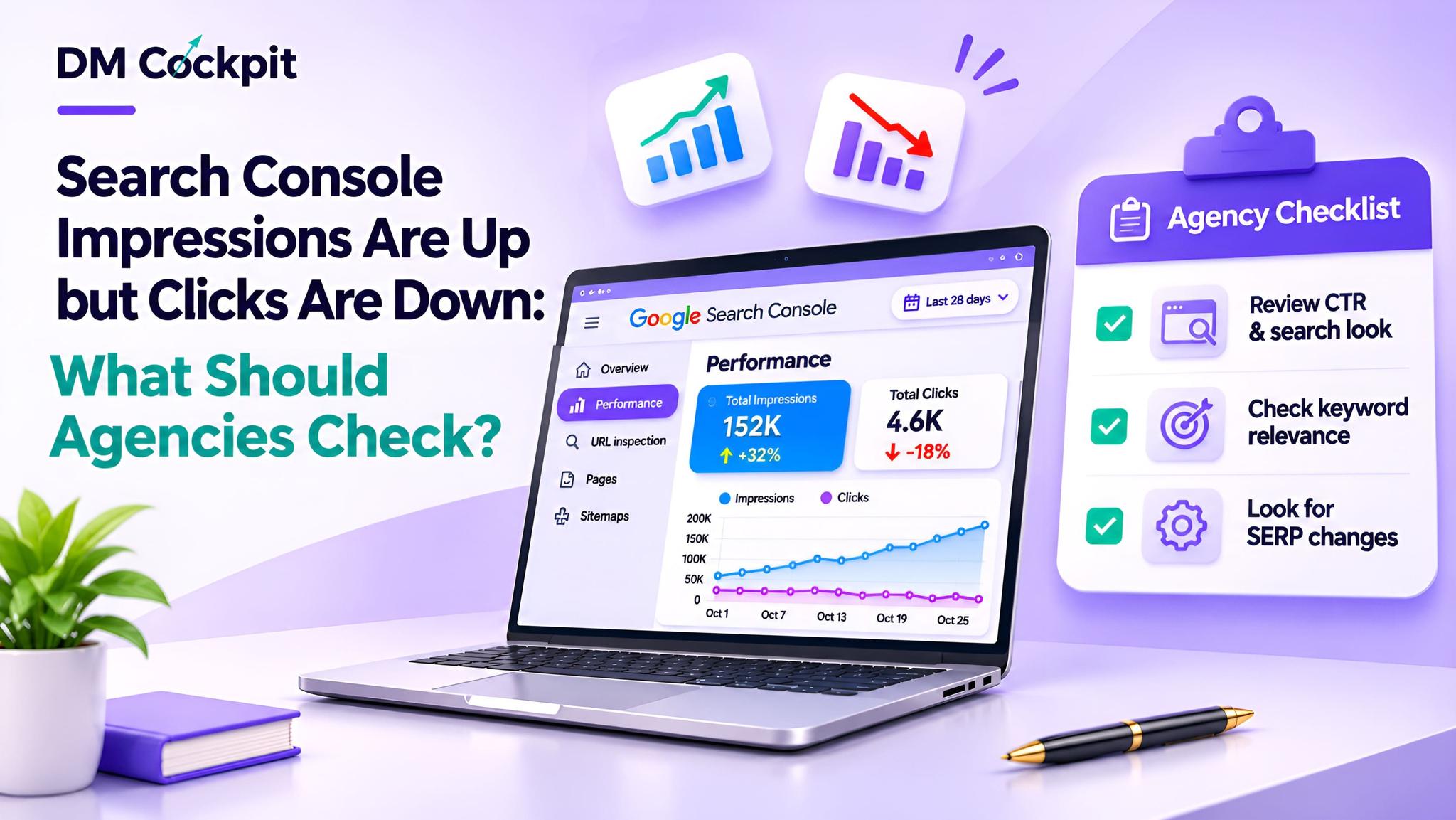
A client reads their monthly SEO report and comes across something they don't quite understand. Their website appeared more frequently in Google Search results than they were in the previous month, but fewer people clicked through to their site.
Of course, they wonder if their SEO efforts have been successful.
For marketing agencies, a Search Console impressions up clicks down situation requires more than a simple explanation of search behaviour change. It requires a look at rankings, click-through rates, and search terms as well as the presence of search results.
More impressions indicate greater search exposure, but not necessarily more traffic to the website.
Therefore, agencies must first be aware of what the numbers are telling them before suggesting content changes, or telling their client why the numbers are dropping.
First, Understand the Difference Between Impressions and Clicks
Google Search Console offers a number of performance metrics that can be used to gauge the way websites are represented and performing in Google Search.
|
Metric |
What it measures |
Why it matters |
|
Impressions |
How often eligible website links appear in search results |
Indicates search exposure |
|
Clicks |
How often users click website links from search results |
Measures search-generated visits |
|
CTR |
Percentage of impressions resulting in clicks |
Shows the relationship between visibility and clicks |
|
Average position |
Average position of the topmost relevant result |
Helps assess search placement |
Imagine a hypothetical website that has the following average monthly performance.
|
Metric |
Month 1 |
Month 2 |
|
Impressions |
40,000 |
55,000 |
|
Clicks |
2,000 |
1,650 |
|
CTR |
5% |
3% |
Impressions increased while clicks declined.
This doesn't necessarily mean that the site has dropped all of its important rankings. It may show up in other searches that users are less inclined to click on.
Next, identify where performance changed.
Check 1: Have Important Keyword Rankings Changed?
Firstly, look at the average position of the Search Console.
A website can acquire impressions as soon as its pages start to show up in additional search terms. However, those appearances could occur in less prominent positions.
Meanwhile, commercially valuable keywords might lose visibility.
Agencies should investigate:
- Which queries gained the most impressions?
- Did important keywords lose average positions?
- Are new queries generating impressions without clicks?
- What were the largest changes in landing pages?
Avoid relying on sitewide average position.
Even if rankings for individual keywords don't change much, a varying mix of queries can affect the general average ranking.
Compare specific queries and pages for meaningful movements.
Check 2: Is Click-Through Rate Declining?
The more you understand CTR, the better you'll be able to provide your clients with the information they need.
The formula is:
CTR = (Clicks ÷ Impressions) × 100
A falling CTR doesn't mean the metadata will be bad, though.
For instance, people that search for a brand name may click on different links when they are searching for information.
Conversely, a site with primarily informational traffic may have a lower CTR, but keyword performance could be strong, if the commercial keywords are generating more impressions than the informational ones.
Agencies should look at the same questions, devices and time periods.
If rankings are stable, but CTR of relevant pages is dropping, investigate where the pages are showing up in search results and what other pages are bidding for the positions on the page before optimising the page titles.
Check 3: Are AI Overviews Influencing Search Behaviour?
Google's AI Overviews can generate summaries and links in search results right there.
Users can get valuable information without needing to go to the various websites, depending on the query.
This may help explain a Search Console impressions up clicks down pattern.
But agencies shouldn't simply blame AI Overviews for any drop in clicks.
Google has added some new AI-powered visibility reporting in Search Console that includes search performance reporting.
Agencies can leverage all the AI reporting to gain insights into relevant visibility patterns and analyse clicks, impressions and CTR in regular performance data.
They should also go through representative search results and think about if AI features come back for affected searches.
Remember, the AI overview does not imply a drop in traffic due to the AI.
Check 4: Have Search Results Become More Competitive?
Sometimes the location is rather secure and the surrounding web search results aren't the same.
Google may display ads, videos, featured snippets, shopping results or local listings which could capture the user's attention.
|
Search result feature |
Possible impact |
|
Prominent advertisements |
Organic results receive less attention |
|
Featured snippets |
Some users find answers without clicking |
|
Video results |
Searchers choose visual explanations |
|
Local listings |
Users interact with business profiles |
|
Stronger competitor titles |
Competing pages attract more clicks |
Take a look to find useful search queries that are seeing rapid drops.
Appearance in search is also important as well as average position.
Check 5: Are Titles and Descriptions Still Relevant?
A page can be there for the right keyword and not convey the reason for the visit.
A listing that has an old title, description that doesn't match the intent of the search can diminish the appeal of the listing.
Check pages that have more stable positions and lower CTR.
Check whether their titles are clear of meeting the searcher's needs and if descriptions convey useful information.
Google might make other title links or snippets from those provided by the site.
So, check the real search results before suggesting changes to metadata.
Prioritise relevance and clarity and too many keywords are not desirable.
Check 6: Is the Decline Concentrated in Particular Pages?
There may be significant differences in some statistics in comparison to the overall.
For example, educational blogs may attract impressions, while service pages may lose clicks from searches that might be deemed to be commercial in nature.
These are the cases that require various answers.
Segment performance by:
- Blog articles versus service pages.
- Branded versus non-branded queries.
- Desktop versus mobile searches.
- Countries and target markets.
- Search appearance categories, where available.
This will help agencies determine if it's a drop in informational visibility, commercial traffic or both.
Check 7: Are the Reporting Periods and Data Reliable?
Make sure that the comparison is right before making any changes to the SEO.
Comparing a partial month with a full month is incorrect.
The performance can also vary depending on seasonality, search demand fluctuations and new content.
Agencies should check:
- Whether both periods cover comparable dates.
- Whether recent data is complete.
- Whether significant website changes occurred.
- Whether Google has reported relevant data anomalies.
Search Console has reported historical reporting problems, so you should be on the lookout for unusual movements in the data when compared to official data anomaly notices.
Reporting changes don't always indicate a true change in search performance.
Turn Your Findings Into a Client Action Plan
Clients don't always need to understand in detail about all the metrics. They must know what happened, why, and what will happen.
Adopt a reporting framework that's easy to use.
Observation: Impressions increased while clicks declined.
Evidence: Determine which queries, pages, rankings or changes in search results are impacted.
Next action: Make a recommendation for monitoring, content enhancements or further investigation.
If applicable, create a comparison chart that displays impressions, clicks and CTR for similar time periods.
Don't offer potential explanations as definite causes.
Make Search Performance Reports More Meaningful
More impressions do not guarantee better rankings, and fewer clicks do not automatically mean an SEO campaign is failing.
It's vital to know what searches lead to valuable website visits and opportunities for business.
At DM Cockpit, we help marketing agencies organise SEO performance monitoring and reporting. Our keyword tracking, Search Console integration and reporting tools help you to conduct more precise performance evaluations and meaningful client discussions.
Frequently Asked Questions
1. Why are Search Console impressions increasing while clicks decrease?
This can happen when a website appears for more searches but receives fewer clicks. Possible reasons include changes in rankings, search intent, competing results, CTR or the appearance of additional search features. Agencies should investigate individual queries and pages before identifying a cause.
2. Does a decline in clicks mean my website has lost rankings?
Not necessarily. Clicks can decline even when important keyword positions remain stable. Review CTR, search result appearance, query composition and ranking changes before assuming that lost positions are responsible.
3. Can Google AI Overviews reduce organic website clicks?
AI Overviews can influence how users interact with search results, including whether they visit individual websites. However, the effect varies by query. Agencies should examine available AI visibility information alongside standard search metrics rather than assuming that AI Overviews caused every decline.
4. What is a good click-through rate in Google Search Console?
There is no universal ideal CTR. It varies according to ranking position, search intent, industry, device and whether searches include a brand name. Agencies should compare similar queries and historical performance rather than relying on a single benchmark.
5. Should agencies rewrite page titles when impressions rise but clicks fall?
Only when the evidence suggests that titles are unclear, outdated or poorly aligned with search intent. Agencies should first examine affected queries, ranking changes and competing search results to avoid unnecessary edits.
6. How often should agencies review Search Console performance?
Weekly monitoring can help identify emerging changes, while monthly reviews provide a broader view of SEO performance. Agencies should investigate significant fluctuations promptly while allowing for reporting delays and incomplete recent data.