
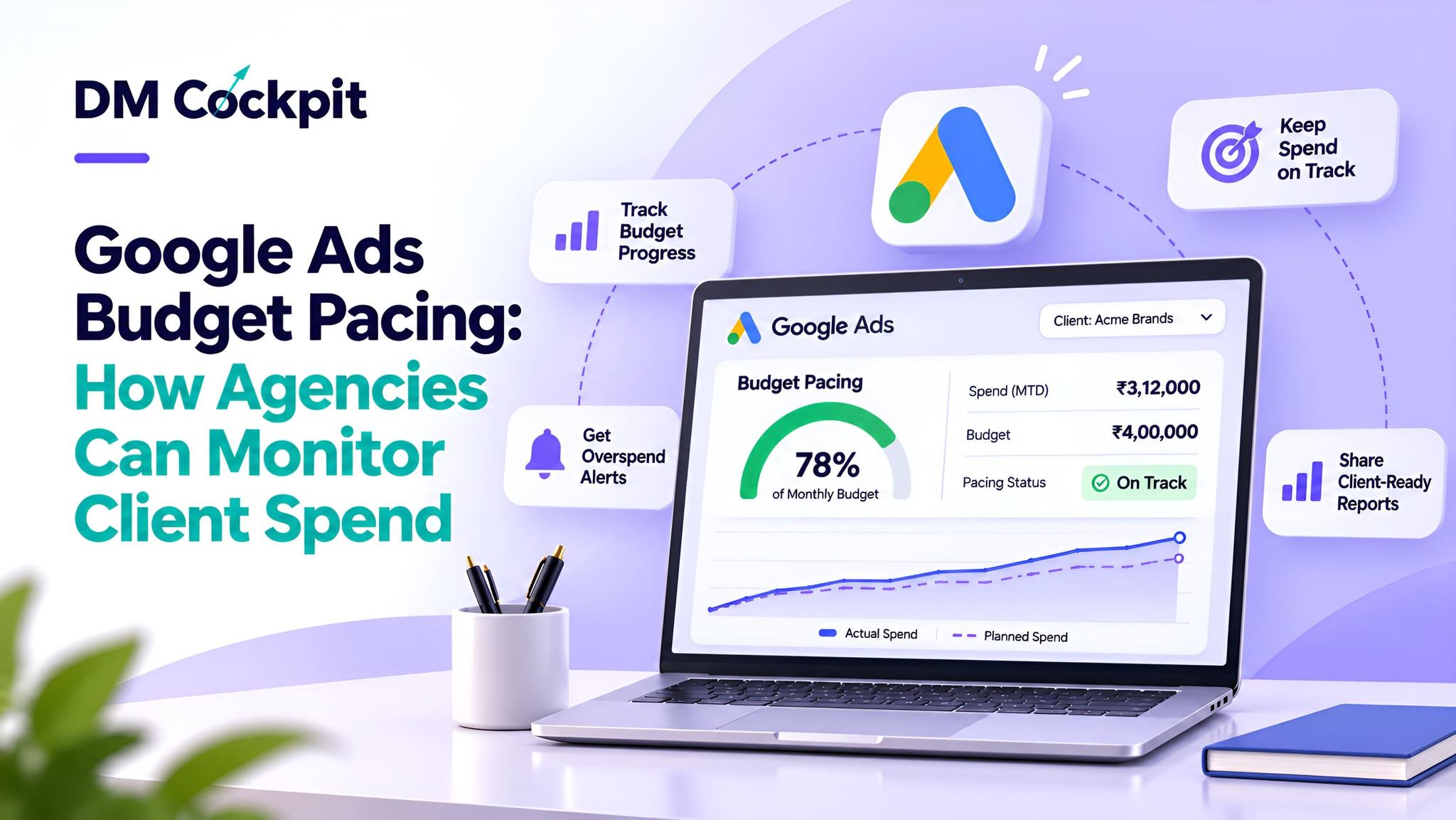
It's the 20th of the month, and a client phones up with one simple question: “Are our Google Ads campaigns on budget?”
Healthy impressions, clicks and conversions are being displayed on your dashboard. The budget is being spent quickly, with several days remaining in the month.
Is there a need for the agency to reduce its expenses, shift its focus, or keep to their same focus?
That's where Google Ads budget pacing comes into play. It aids marketing agencies to contrast spent money on marketing with the budget that has been allocated, identify unusual spending patterns and make decisions before the reporting period ends.
Pacing isn't simply a case of agencies attempting to ensure that campaigns spend the same amount of money every day. Effective pacing involves balancing campaign delivery, business priorities and performance.
Why Google Ads Spending Is Not Always Even
Google Ads usually has average daily budgets in control of the spending of the campaign. But a typical daily investment does not imply that the platform will invest the same sum daily.
When advertising opportunities are greater, Google might spend more; when they are less, it might spend less.
If you're running an average daily spend, Google targets:
- Daily spending limit: If a campaign is spending an average of $5 a day, Google Ads can generally spend up to $10 in a day.
- Monthly spending limit: The monthly limit for most of these campaigns is typically 30.4 times the average daily budget. The limits could vary based on the type of budget or changes throughout the month.
- Variable daily delivery: The actual amount spent may vary as a result of advertising opportunities.
Eligible campaign total budgets are subject to other rules.
The client's approved monthly allocation is not necessarily an account-wide Google Ads spending limit.
Agencies should document each client's advertising objectives, approved budget and expected outcomes.
Establish the Spending Plan Before Monitoring
A helpful pacing process begins prior to the start of campaigns.
Agencies should be able to record and communicate to each client what they want from the advertising activity and what they have allocated will help them achieve different objectives.
|
Planning element |
What agencies should establish |
|
Reporting period |
Monthly or agreed campaign duration |
|
Approved allocation |
Planned advertising spend |
|
Campaign priorities |
Activities requiring greater attention |
|
Performance goals |
Leads, purchases or other outcomes |
|
Important dates |
Promotions, launches or seasonal activity |
|
Review frequency |
Daily monitoring and periodic analysis |
Think of an agency working for a property developer in promoting their advertising.
The goals of a residential enquiry campaign and commercial property campaigns and remarketing activities can differ. Just because two entities share an account shouldn't mean they're treated as one and the same – it could result in suboptimal allocation.
A documented plan is critical for understanding spending changes.
A Five-Step Budget Pacing Review
Agencies can have a uniform review system for all client accounts.
1. Compare Actual Spend With the Approved Plan
First: Check how much of the allocation has been consumed.
For instance, if 70% of an account's allocation has been used halfway through the reporting period.
This means more spending than is done under a straight-line plan.
But it doesn't necessarily indicate that the campaigns are underperforming.
The agency should explore if the difference is due to growth in demand, campaign priorities or unplanned delivery.
2. Review the Remaining Period
Then reflect on the time that is still left and what activities are on the agenda.
The amount and frequency of spending can vary between a campaign supporting a new product launch and an existing lead generation campaign.
Determine whether sufficient funds remain to continue to meet the client's priorities.
3. Examine Individual Campaigns
The figures in the account level totals may mask underlying differences.
One campaign could be operating at an increased velocity and another could have low traffic.
Review delivery, objectives and performance for each campaign prior to recommending changes.
If you're using shared budgets, keep in mind that Google can allocate your budget to eligible campaigns.
4. Connect Spend With Results
When combined with business results, spending patterns start to make more sense.
Agencies should examine:
- Conversions and conversion rates.
- Cost per acquisition.
- Return on ad spend, where relevant.
- Lead quality and sales feedback.
- Campaign delivery and available impression-share metrics.
A campaign producing valuable enquiries may justify a different response from one generating traffic without meaningful results.
5. Review Google's Available Forecasts
Google Ads gives budget pacing information that may be useful for qualified accounts to learn the spending habits and monthly performance of their ad budget.
Agencies can check on the forecasts and campaign status and budget-related recommendations.
These insights are helpful for perspective, but forecasts are projections, not promises.
What Should Agencies Do When Spending Moves Off Track?
Not all pacing differences will need to be adjusted.
The correct answer will depend on the cause of the difference and how it will affect the business.
|
Spending situation |
What to investigate |
Possible response |
|
Faster than planned |
Demand and campaign delivery |
Review priorities and remaining allocation |
|
Slower than planned |
Targeting, demand and eligibility |
Identify delivery limitations |
|
High spend, weak results |
Traffic quality and tracking |
Investigate performance |
|
Low spend, strong results |
Available demand and campaign constraints |
Assess expansion opportunities |
|
Uneven campaign allocation |
Objectives and campaign performance |
Reconsider distribution |
Agencies ought not to adjust budgets frequently just to reach a daily quota.
If you make too many changes, it can impact campaign performance and make it difficult to understand the trends in performance, especially if you are using automated bidding.
Build a Monitoring Routine Across Client Accounts
A single campaign isn't similar to multiple campaigns with different reporting requirements.
A regular monitoring routine assists agencies to recognise significant changes without adding unnecessary reporting work.
Daily monitoring
Monitor important spending fluctuations, campaign performance problems, and unusual account activity.
The actual spending versus the planned spending; outcomes of the campaign and review of the remaining reporting period.
Monthly client reviews
Evaluate overall spending, business results and recommendations for the next campaign cycle.
Centralised reporting can make it much easier to review important information for agencies that work for several clients.
A dashboard should help to investigate, not replace, detailed controls and information found in Google Ads, however.
Mistakes That Can Weaken Budget Decisions
Even seasoned marketing teams can get it wrong on how they spend.
Treating every day equally: Not always a good idea as demand for advertising changes every day.
Ignoring campaign-level differences: There may be a general equilibrium in the amount of money spent in the accounts, but individual campaigns may be very different in performance.
Focusing only on spend: A campaign's worth is based on its impact on business goals.
Overlooking budget changes: Budget changes in a reporting period may impact the budget limits and forecasts that are relevant.
Reacting too quickly: Sometimes, when things change quickly, it is not necessary to jump into things right away.
Communicating too late: Clients should be aware of important expenditure adjustments before making their monthly report.
These factors are all taken into account in a reliable review process.
Make Budget Pacing Part of Better Client Reporting
The useful report from a client should provide answers to three questions:
- How much of the approved allocation has been used?
- What business results has that spending produced?
- What actions are recommended for the remaining period?
This is where Google Ads budget pacing turns from being just a comparison of planned and actual costs into a part of the performance conversation.
At DM Cockpit, we know how difficult it can be for agencies to handle a variety of advertising accounts and create quarterly client reports. Our digital marketing platform integrates marketing monitoring and reporting tools into an easy-to-use centralised platform, making it easier for teams to review and communicate performance.
Frequently Asked Questions
1. What is budget pacing in Google Ads?
Budget pacing is the process of comparing actual advertising spending with a planned allocation over a defined period. It helps agencies identify whether campaigns are spending faster or slower than expected and determine whether further investigation is needed.
2. Does Google Ads spend the same amount every day?
No. Google Ads can spend different amounts on different days. For most campaigns using average daily budgets, the daily spending limit is twice the average daily budget, while the monthly spending limit is generally calculated using 30.4 days.
3. How can agencies check Google Ads budget pacing?
Agencies can compare actual campaign spending against approved allocations and review Google's available budget reports and pacing insights. Campaign performance, remaining time and upcoming activities should also inform the assessment.
4. Should agencies reduce budgets when spending is ahead of schedule?
Not automatically. Agencies should first investigate campaign performance, remaining allocation, upcoming demand and business priorities. Adjustments should address a clear need rather than simply correct a short-term pacing difference.
5. What is the difference between a daily budget and a campaign total budget?
An average daily budget guides campaign spending on a daily basis, subject to Google's applicable limits. A campaign total budget establishes an overall allocation for an eligible campaign over a specified duration and follows different pacing rules.
6. Can marketing dashboards help agencies monitor campaign spending?
Yes. Marketing dashboards can bring campaign performance information into a centralised reporting environment. Depending on their features, they may help agencies review spending trends, compare results and prepare client reports. They do not automatically replace Google Ads budget controls.