
When dealing with multiple clients and multiple types of services like SEO, Google Ads, Facebook ads, and social media, reporting becomes increasingly complex. It takes your team hours to get campaign information, compile reports and respond to questions about performance. Important information remains scattered, however, there are tools implemented in place.
It's obvious that a centralised dashboard can help. But choosing software because of the charts and reports it has to offer can be another challenge: software that looks pretty but won't be used at your agency every day.
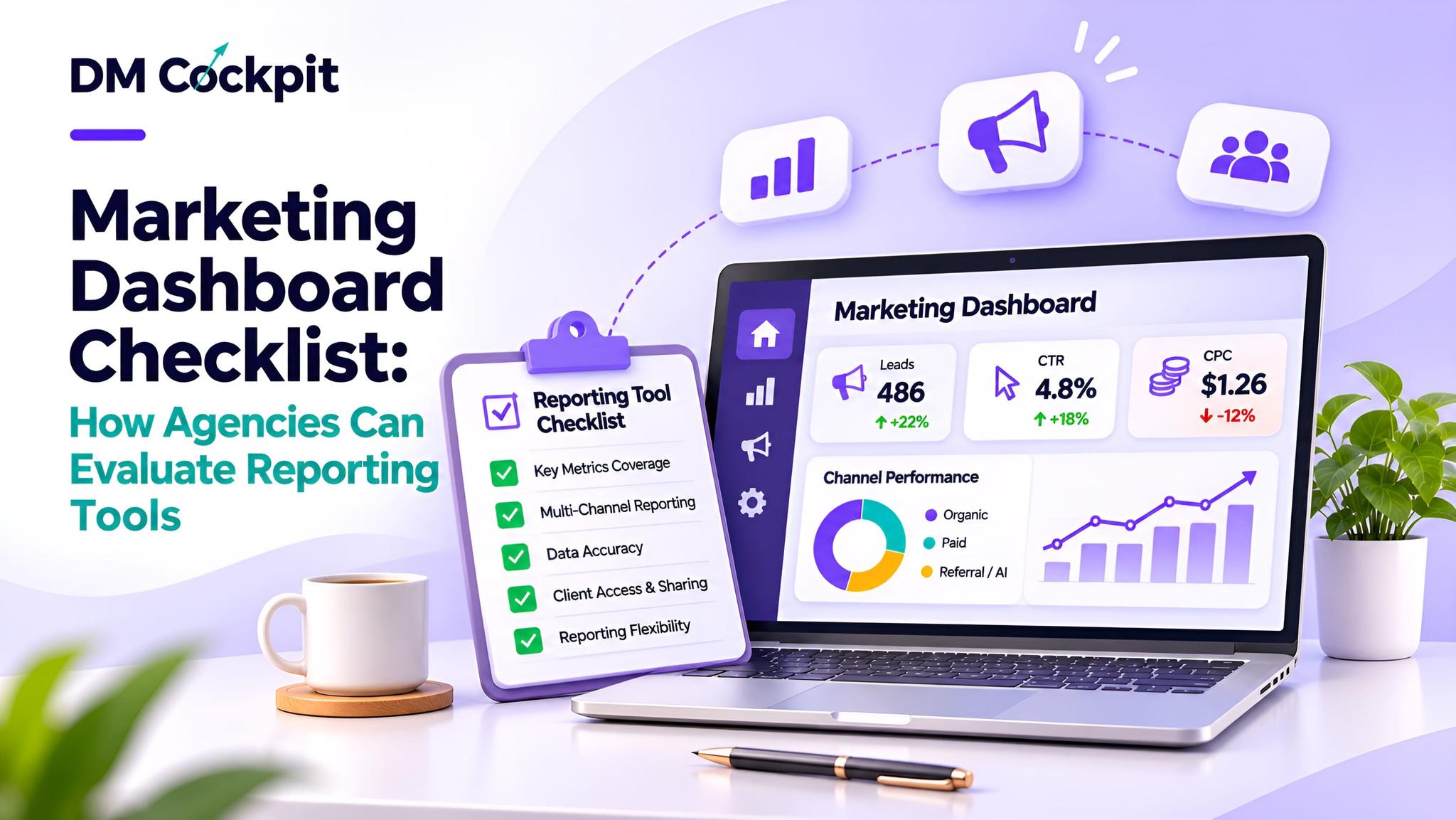
A marketing dashboard evaluation checklist is a tool to help agencies evaluate marketing reporting platforms with a focus on the real needs rather than promotional claims.
Whether you're working with a few clients or several marketing accounts, you want to find software that will simplify the reporting process, clarify it, and improve its accuracy.
Before Comparing Tools, Understand Your Reporting Workflow
The first step is identifying what your agency actually needs.
An SEO agency could be dedicated to keyword positions, audit sites, and organic search performance. A performance marketing agency might focus on lead generation results, ad performance and conversions.
Ask your team:
- Which marketing platforms do we use regularly?
- How many client accounts require separate reporting?
- What information do clients request most often?
- Which reporting activities consume the most time?
- Do clients need access to dashboards or scheduled reports?
- Where do reporting errors or delays usually occur?
The following questions will help you determine what features you should investigate.
You don't need to have 50 functions on a dashboard, you need to have one that gets your core reporting needs right.
The 10-Point Marketing Dashboard Checklist
When considering reporting platforms, consider using this checklist. All of the points refer to different aspects of agency operations.
|
Evaluation area |
What to verify |
|
1. Integrations |
Connections to your existing marketing platforms |
|
2. Data reliability |
Clear sources, definitions and update schedules |
|
3. Multi-client management |
Separate projects and organised account access |
|
4. Reporting flexibility |
Customisable metrics, periods and report layouts |
|
5. SEO capabilities |
Relevant keyword, website and search analysis |
|
6. Advertising analytics |
Visibility into campaign performance |
|
7. Usability |
Straightforward navigation for team members |
|
8. Collaboration |
Suitable permissions and shared workflows |
|
Agency branding where required |
|
|
10. Security and support |
Responsible data access and dependable assistance |
Not all the requirements are equally significant.
There are agencies with more than one advertising account and they focus more on integrations and visibility in campaigns, and there's an agency that's an SEO specialist consultancy that focuses more on reporting on organic search.
Check Whether Integrations Provide Useful Data
There are a number of platforms that will say they offer all sorts of integrations, but don't give your team the information needed.
A Google Ads integration, for example, may provide you with impressions and clicks for your campaigns, but not a lot of information on conversions.
To decide on what tool to use, verify the metrics available through each integration in terms of the measurement.
These are some of the typical requirements:
|
Marketing platform |
Information worth reviewing |
|
Google Analytics 4 |
Sessions, engagement and key events |
|
Google Search Console |
Clicks, impressions, CTR and average position |
|
Google Ads |
Campaign delivery and conversion performance |
|
Reach, impressions and advertising results |
|
|
Social media platforms |
Audience activity and engagement |
Note how often information is updated as well.
Data across platforms may not update at exactly the same time. With Google Analytics, for example, it can do so post initial reporting.
These differences may be revealed by an effective dashboard rather than taking it for granted that all figures on the dashboard will be final.
Test the Platform Using a Real Client Scenario
In product demos, clean reports are typical demos to show. Each day on the job can present a new experience in the agency.
Never use a sample chart to test software, use a representative client chart.
Scenario: Preparing a Monthly Marketing Review
Now, let's say you have a business that has SEO and PPC campaigns managed by your agency.
Your account manager should share with you some information about website traffic, ad performance, and enquiry trends.
If you are taking the test, examine three activities.
Finding information: Can the account manager locate important metrics without repeatedly changing screens?
Preparing the report: Can the team select relevant reporting periods, organise metrics and create an understandable client update?
Explaining performance: Does the available information help identify meaningful changes and questions requiring investigation?
If you're getting more traffic on your website without getting any more enquiries, for example, then you should investigate that further.
That investigation should be facilitated, not just reported, by a useful dashboard.
Evaluate Multi-Client Management Before Your Agency Grows
It's pretty easy to manage a single client dashboard. More accounts introduce additional responsibilities.
Everyone in the team needs to discover what the proper project is and not mix up one client's results with yet another.
Try to find a platform that provides:
- Separate client projects or workspaces.
- Clear account identification.
- Appropriate user permissions.
- Convenient switching between projects.
- Consistent reporting arrangements.
- Options for sharing relevant information.
Also consider onboarding.
If a new account manager is not familiar with the reports interface, it can be more complicated than they are able to learn and use which can create additional training demands.
As a client's job gets bigger and bigger, a well-organised work place is of immense value.
Do Not Confuse Attractive Visuals With Accurate Reporting
Not all charts will accurately represent measurements although charts will be useful to help make performance information easier to understand.
There will be a variation of results from various marketing platforms even if they are tracked properly.
For example, the definition of an attribution, a definition of a conversion and reporting dates for Google Ads and GA4 may differ.
When using the combined dashboard, ask:
- Can users identify the original source of each metric?
- Are reporting periods clearly displayed?
- Can the team distinguish sessions from users?
- Are conversion definitions explained?
- Does the platform indicate when data is unavailable?
- Can important figures be checked against the original source?
A dashboard should clear up reporting without masking variations in the measures.
Check Customisation, Branding and Team Collaboration
Not all agencies will develop the same report for each client.
A business owner may want to find a summary of the performance, whereas a marketing manager may want a comparison of the marketing channels' performance.
Identify and discuss appropriateness of audiences to audience/general types of report.
For agencies presenting documents under their own name, white-label reporting might be significant too.
The possibilities for branding, however, may be dependent on the software package chosen.
Similarly, the characteristics of collaboration should be assessed according to the specific tasks. Not all staff members should have access to all client accounts.
The best system is one that promotes ownership and responsible sharing of information.
Build a Simple Scorecard Before Choosing
If the tools are chosen, apply the same scoring method to the tools.
The following marketing dashboard evaluation checklist can be converted to a valuable determination scorecard.
|
Requirement |
Priority |
Score |
|
Essential integrations |
High |
1–5 |
|
Data reliability |
High |
1–5 |
|
Multi-client organisation |
High |
1–5 |
|
Reporting flexibility |
High |
1–5 |
|
Ease of use |
High |
1–5 |
|
Collaboration |
Medium |
1–5 |
|
White-label options |
As needed |
1–5 |
|
Support and security |
High |
1–5 |
Score each requirement from 1 to 5, with higher scores indicating stronger support. Compare results using consistent criteria across all platforms.
Prioritise essential requirements over overall scores. For example, if there isn't an integration with Google Ads in the dashboard, don't necessarily assume that it's an advantage as it offers you more customisation choices. Furthermore, agencies should test out platforms from which they have been shortlisted, using real reports, before selecting a platform.
However, before you decide, you should make sure that your team still has the ability to perform their most important reports.
Choose Reporting Software That Supports Better Decisions
The marketing dashboard should gather more than just numbers. It should help agencies to organise information, report results and decide what's important.
You need to decide which is the right option based on your clients, marketing channels and reporting requirements.
At DM Cockpit, we realise how difficult it can be to oversee SEO, ad and client reporting tools across all of the platforms. Our digital marketing package includes some of these elements such as keyword tracking, website audits, Google Analytics integration, advertising tracking and custom reports.
We want to make it easier for agencies to have structure in their marketing and make it easier to do performance reviews.
Frequently Asked Questions
1. What is a marketing dashboard?
A marketing dashboard is a central interface for viewing marketing performance information. Depending on the platform, it may display website analytics, SEO metrics, advertising results and social media activity, helping teams monitor performance and prepare reports.
2. What should agencies prioritise when selecting reporting software?
Agencies should prioritise reliable data, relevant platform integrations, multi-client organisation, reporting flexibility and ease of use. Additional features such as white-label reporting and collaboration should reflect the agency's specific requirements.
3. Can a marketing dashboard combine SEO and advertising data?
Yes. Some dashboards connect with SEO, analytics and advertising platforms to present information in one environment. However, the available metrics depend on the integrations, and differences in attribution or reporting methods may still exist.
4. How can agencies verify reporting dashboard accuracy?
Agencies can compare selected metrics against their original platforms and review data refresh schedules, reporting periods, attribution settings and metric definitions. Regular checks help identify inconsistencies before information is shared with clients.
5. Is white-label reporting necessary for every marketing agency?
No. White-label reporting is useful when agencies want reports to reflect their own branding. However, teams with simpler reporting requirements may place greater importance on integrations, usability and reliable information.
6. How often should agencies review their dashboard requirements?
Agencies should reassess reporting needs when adding new clients, expanding services or introducing additional marketing channels. Periodic reviews can also reveal whether existing tools still support everyday workflows effectively.