
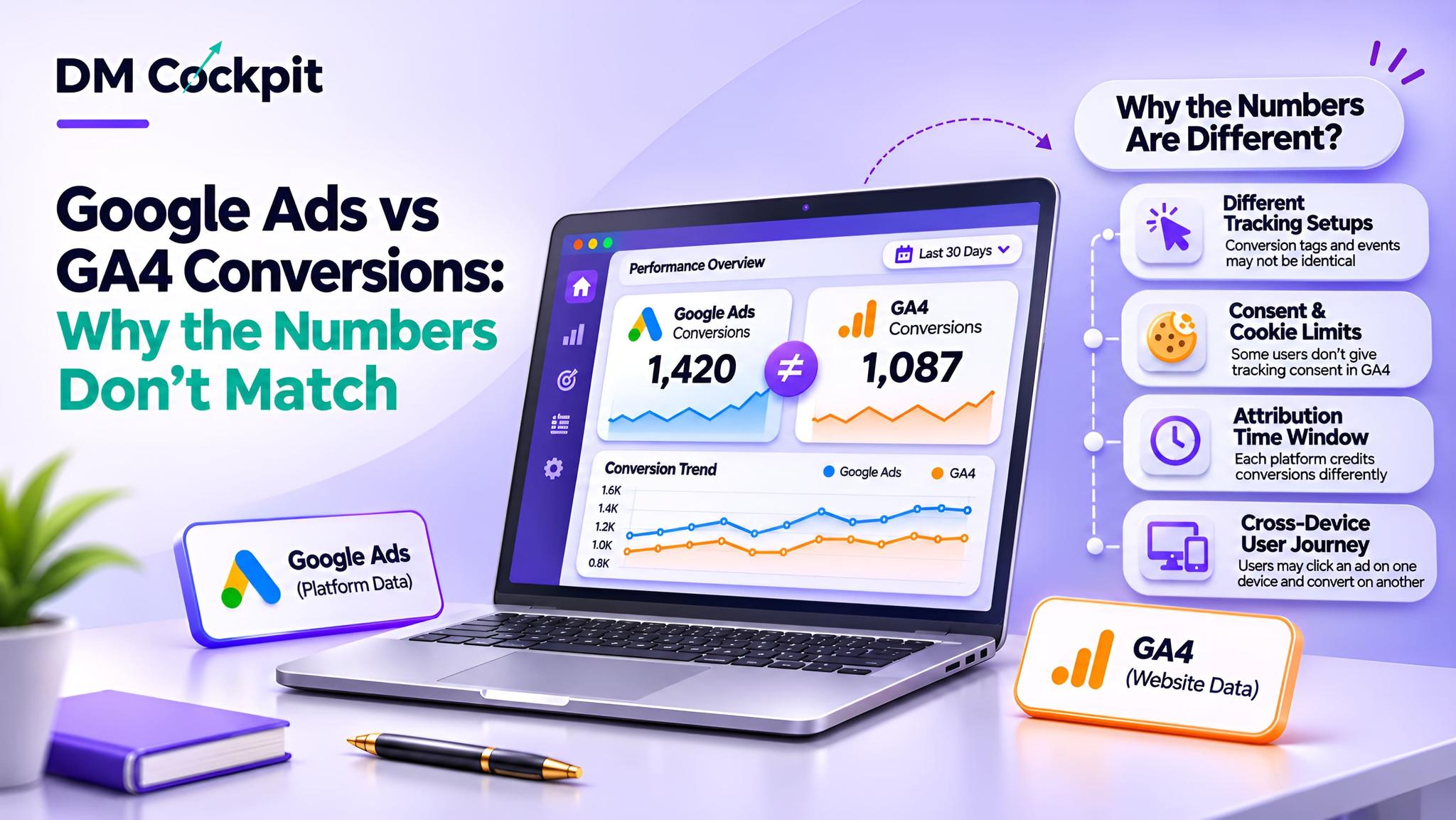
This month you've seen 120 conversions in your Google Ads dashboard. When you log in to Google Analytics 4 (GA4), you're ready to create a client report, but the analytics report for your client is only 95.
Which figure should you report?
For marketing agencies, a Google Ads and GA4 conversion discrepancy can create confusion, especially when clients want to see the same information on all dashboards.
It does not necessarily imply that tracking is broken. Numbers can be affected by the definitions for conversion, how conversions are counted, the attribution settings, and the reporting dates.
Google has also simplified its conversion management between Ads and Analytics, allowing for some more consistent measurements to be aligned.
The key is understanding what each figure measures.
First, Are You Comparing the Same Conversion?
Before investigating a technical problem, first make sure that the same action is being reported on both platforms.
Conversions are used to gauge the success of ads and are measured by Google Ads. GA4 logs events and important events that signify key interactions occurring in your website or app. Conversions that are made from events in GA4 can also be reported in Analytics' Advertising workspace using Google Ads.
|
Reporting element |
What to understand |
|
Google Ads conversions |
Actions credited to advertising under the applicable settings |
|
GA4 key events |
Important website or app events |
|
GA4 advertising conversions |
Conversion performance available through supported advertising reporting |
|
Conversion actions |
Specific activities selected for measurement |
|
Attribution settings |
Rules determining which interactions receive credit |
For instance, Google Ads could be used to track enquiry forms and ad calls, and a GA4 report will show only form submissions.
These figures cannot be compared directly due to the different activities.
There should be a definition of actions that are included, before making any interpretation of difference.
Seven Reasons Conversion Figures Can Differ
1. Conversion Dates May Not Match
On Monday, a customer clicks a display advertisement, and on Thursday, the customer completes an enquiry.
By default, Google Ads conversion reporting will credit a conversion to when the ad interaction occurred. GA4 event reporting captures the activity as it happens.
This can mean that the same customer action could show up on different dates.
What to look for: Analyse the same windows of time and be mindful of the time it takes for conversions when examining timing differences.
This is especially crucial at the end of the month reporting.
2. Counting Methods Can Produce Different Totals
There are various conversion counting options available with Google Ads.
An advertiser, for instance, can record a conversion for each qualified conversion or only one conversion per advertising interaction.
Suppose that someone clicks an ad and then sends two enquiries.
Google Ads may only be able to see one conversion while GA4 may see two instances of the key event.
Neither figure is necessarily incorrect.
Agency action: Check the settings for counting and verify that the chosen measurement aligns with the client's business goals.
3. Attribution Settings Affect Conversion Credit
How conversion credit is allocated between eligible marketing touchpoints is defined by attribution.
Think of a visitor who clicks on a paid ad, comes back via organic search and registers.
The credit in the advertising and analytics reporting will vary based on the reporting dimensions and the configured attribution.
Agencies should be aware that not all of the existing reports are built using the same settings as Google's unified conversion features do, which can reduce differences for supported conversions.
Before concluding a difference is a measurement “failure,” compare the two attribution settings.
4. Primary and Secondary Actions Are Different
Google Ads differentiates between primary and secondary conversion actions.
For primary actions, the conversions column shows the number of conversions that were recorded, if the action was a part of the campaign's conversion objectives. Secondary actions typically used for observation and shown in All conversions.
Assume that a website tracks the number of completed enquiries as primary actions and the number of people who download the brochures as secondary actions.
It would unnecessarily create a discrepancy if the All conversions column was compared with a GA4 report that only showed completed enquiries.
Agencies should check:
- Which conversion actions are included.
- Whether actions are primary or secondary.
- Which Google Ads reporting column is selected.
- Whether the corresponding GA4 events represent the same activities.
The comparison should use matching definitions wherever possible.
5. Consent and Tracking Conditions Can Differ
Advertisers and analytics providers may be affected by privacy preferences and browser restrictions.
The type of consent configuration may also impact measurement and eligible modelling.
For instance, some visitors to the website may opt-out of having some tracking enabled, which means that there is less information to observe.
Agencies should examine measurement conditions and not assume that any conversions that are missing are due to a failed tracking implementation.
6. Conversion Windows and Reporting Delays Matter
Conversion windows determine how long after an eligible advertising interaction a conversion can receive credit.
This means that the types of actions that show up in a report will vary, depending on the setting.
Conversions may also be subject to change based on delayed conversion reporting.
Google advises to take time for the reporting systems to process and synchronise information before comparing.
Agencies should not consider incomplete recent data as final for client reporting.
7. Tracking Setup May Measure Different Actions
In some cases this is due to a real configuration issue.
For instance, an enquiry form could be in GA4 and not properly linked to a Google Ads conversion action.
Another scenario is that an account might have more than one conversion action that would make the advertising total confusing.
There may be other problems such as missing campaign identifiers, missing or misconfigured accounts, and misconfigured events.
Important: Agencies should explore these options, not take it for granted that all variations are tracking errors.
A Practical Conversion Discrepancy Checklist
Follow the same review process when conducting a Google Ads and GA4 conversion discrepancy investigation.
|
Checkpoint |
Question to ask |
|
Conversion definition |
Are both reports measuring the same action? |
|
Reporting metric |
Are equivalent conversion metrics being compared? |
|
Date attribution |
Are conversions assigned to comparable dates? |
|
Counting method |
Are repeated actions counted consistently? |
|
Attribution |
Do the selected settings align? |
|
Conversion window |
Are eligible conversion periods comparable? |
|
Data processing |
Has sufficient reporting time passed? |
|
Tracking configuration |
Are the relevant actions being recorded correctly? |
Begin with reporting definitions and settings then go deeper into the tracking investigations.
This prevents making unnecessary changes to configurations that already may be working properly.
How Should Agencies Explain the Difference to Clients?
Clients rarely need an extended explanation of attribution models. They are interested in finding out if their campaigns are yielding useful results.
A helpful explanation should include three elements.
What changed? Identify the difference between the selected reports.
Why might it differ? Explain confirmed measurement or reporting differences without guessing.
What happens next? Explain the process for the checks to be done and monitoring to be carried out in a consistent way.
For example:
"Google Ads and GA4 currently show different enquiry totals. We are reviewing their counting and reporting settings to establish whether this is an expected measurement difference or an issue requiring correction."
This facilitates communication of accountability, while avoiding the premature declaration of inaccuracy or falseness for either platform.
Which Platform Should Agencies Use for Reporting?
The response will vary based on the inquiry being posed.
Google Ads can be beneficial for tracking the success of ads and optimising campaigns.
GA4 enables more comprehensive analysis of website behaviour, important events and customer journeys. It also offers relevant conversion reporting in its Advertising workspace.
CRM information can also be used to identify if enquiries turn into qualified opportunities in the case of lead generation.
In the case of ecommerce, confirmed transaction records offer more business context.
Agencies need to create clear reporting parameters, rather than mandating unrelated totals to align.
Bring More Clarity to Client Conversion Reporting
All conversion totals are not the same and it doesn't mean poor campaign performance or incorrect measurement.
The emphasis is on grasping the meaning of each figure, spotting authentic discrepancies and presenting the answers in a straightforward manner.
At DM Cockpit, we understand how difficult it is to have to go through the process of checking advertising and analytics data for several client accounts. Our digital marketing platform integrates relevant monitoring and reporting tools into a centralised dashboard, enabling agencies to streamline agency performance review and agency decision-making.
Frequently Asked Questions
1. Why does Google Ads show more conversions than GA4?
Google Ads may report more conversions because of different conversion actions, counting methods, attribution settings or reporting dates. Agencies should compare equivalent metrics and configurations before assuming a tracking problem.
2. Can Google Ads and GA4 conversion numbers match exactly?
Yes. Google's unified conversion management supports closer alignment for eligible conversions created from GA4 events. However, different reporting settings, metrics and processing conditions can still produce differences.
3. Does a conversion mismatch mean tracking is broken?
Not necessarily. Differences can occur even when measurement is working correctly. Review conversion definitions, counting settings, attribution and reporting dates before investigating potential implementation issues.
4. What is the difference between Google Ads conversions and GA4 key events?
GA4 key events represent important website or app interactions. Google Ads conversions measure eligible actions used to evaluate and optimise advertising. Supported conversions can be created from GA4 events and shared across the platforms.
5. Should agencies report Google Ads or GA4 conversion figures?
Agencies should use metrics that match the reporting objective. Google Ads is relevant for advertising performance, while GA4 provides website and cross-channel insights. Business records can provide further context about lead quality or completed transactions.
6. Can a marketing dashboard automatically resolve conversion discrepancies?
No. A dashboard can make information easier to compare, but it cannot automatically correct differences caused by tracking configurations, attribution settings or measurement definitions. Agencies must investigate the underlying cause.