
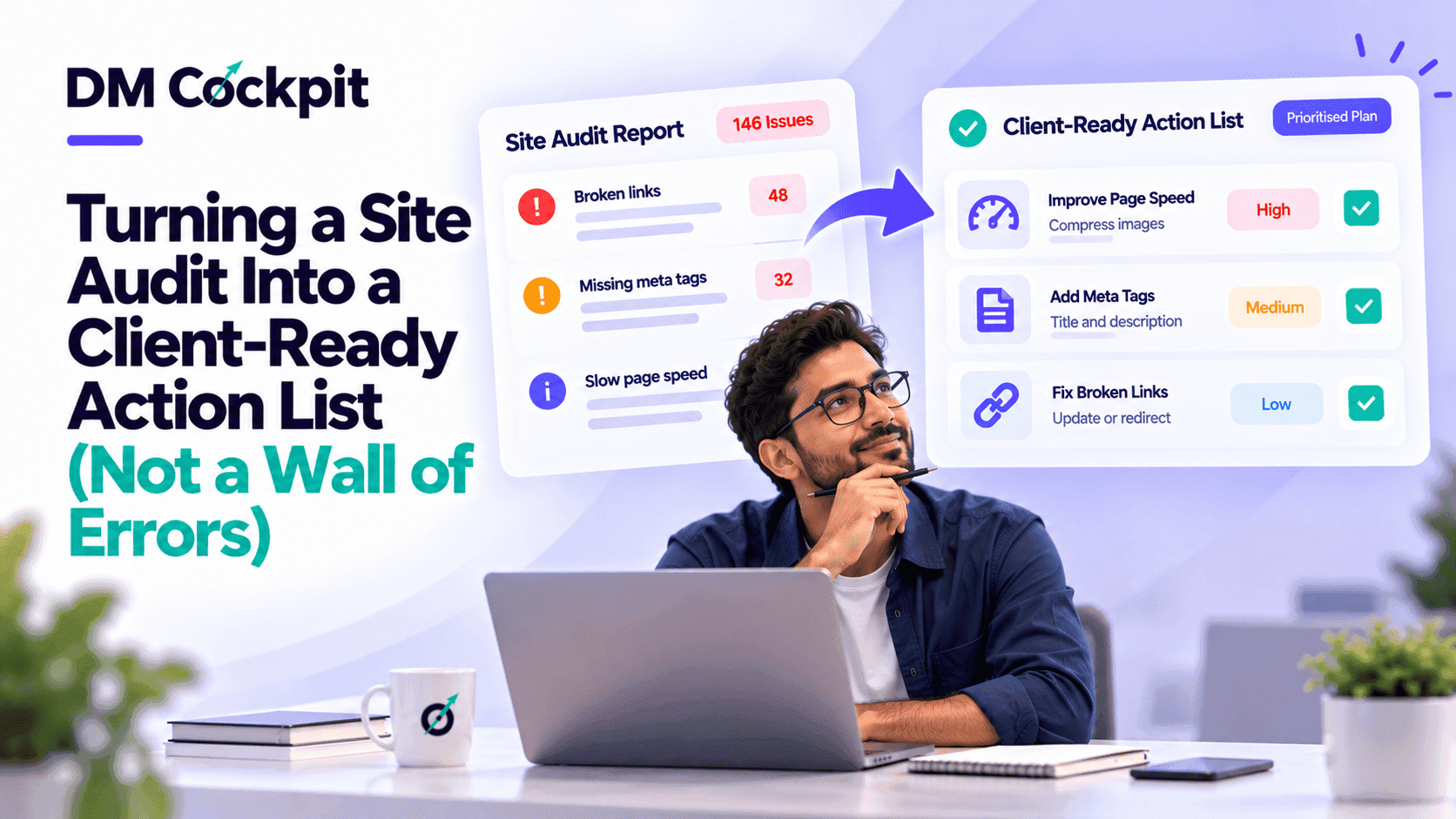
While a website audit may be able to spot hundreds of issues, a client doesn't need to be inundated with hundreds of technical alerts. When it comes to websites most business owners want to know three things – What's wrong, How it's affecting their site, and what's that priority area that should be addressed first?
For digital marketing agencies, preparing a website audit report for clients means turning technical findings into clear business priorities. A lengthy spreadsheet that includes all broken links, missing tags and crawl errors could do just fine. It doesn't usually assist a client to understand what to do after.
The goal is to turn audit findings into a practical action list clients can review, approve, and implement.
Why a detailed audit report can still confuse clients
Crawlability and redirect chains among other things are known to SEO experts. Clients may not.
Imagine sending a client a report containing 250 identified issues. Some affect important service pages, while others involve minor formatting problems on older blog posts.
Without context, the client might assume all 250 issues require immediate attention.
This creates several problems:
- Unclear priorities: Clients cannot distinguish urgent issues from routine improvements.
- Decision delays: Large reports make it harder to approve the next steps.
- Misplaced attention: Teams can be distracted from significant issues to trivial problems.
- Limited accountability: No one is aware of the problems that are to be tackled first.
- Weak progress tracking: If the next report shows fewer errors have been discovered, then it is because something has improved, but it is not stated what.
The audit should not add to the uncertainty!
Start by separating findings from recommendations
An audit finding is the term given to the identification of a problem. A recommendation explains what action should be taken and why.
These are related, but perform distinct functions.
Consider the following examples:
|
Raw audit finding |
Client-friendly recommendation |
|
Multiple pages have missing title tags |
Add descriptive titles to important pages so their topics are clearer in search results |
|
Internal links return 404 errors |
Update broken links that prevent visitors from reaching relevant pages |
|
Several images lack alt text |
Add meaningful descriptions to informative images |
|
Important pages have indexing issues |
Investigate why priority pages are unavailable in search results |
|
Duplicate metadata detected |
Review repeated titles and descriptions on pages targeting different topics |
See that the suggestions are based on clear actions.
They will also not make the claim that all technical corrections will mean that the rankings automatically increase.
Build a three-tier action list
A practical website audit report for clients should make the order of work obvious.
Rather than treating every warning equally, divide recommendations into three priority levels.
Tier 1: Issues that need immediate investigation
These problems may prevent important pages from being accessed, indexed, or used properly.
Examples include:
- Pages that have significance for the service and aren't included in the index.
- Internal links that are broken in the main navigation.
- A number of key landing pages are experiencing server errors.
- Resolve usability barriers that prevent visitors from accessing important pages.
These issues deserve early attention, since it could block important functions on the website.
However, an audit warning should not be treated as critical until its actual impact has been verified.
Tier 2: Improvements with meaningful SEO potential
These are not necessarily problems that will stop the site from working, but can enhance the quality of the site if these can be resolved.
Examples include:
- Internal linking of relevant service pages.
- Missing or unclear titles on important pages.
- Slow-loading pages that are poor user experience.
- Duplicate content requiring further review.
- Important pages with limited supporting content.
Put in priority order: according to the importance of the page, its effect on users, and evidence.
Tier 3: Routine maintenance and lower-impact issues
Some warnings don't need immediate action.
This group could contain the following:
- Minor metadata inconsistencies.
- Leaving empty alt attributes on decorative graphics where appropriate because it is OK that the alt attribute is empty.
- Low-impact formatting inconsistencies.
- Nonessential pages with small technical warnings.
They can be maintained during the regular maintenance instead of during a higher priority job.
Turn technical severity into business impact
One important discovery that is useful in an agency's arsenal for a client's company is explaining to the client why the discovery is important.
If a technical issue is connected with a suitable website objective, it will be simpler to understand.
For instance, in a business, their service pages are integral to the business and they receive a lot of inquiries from them.
In the agency's explanation, it should state that the search engine might not be able to add it to search results if a page that it cannot index is included.
More useful than simply displaying an indexing error.
A client-ready explanation should answer four questions:
- What did we find? Restate the problem using common language.
- Where is it happening? Identify the page or section which is affected.
- Why does it matter? Discuss what it may mean to visibility or usability.
- What happens next? Suggest and take action.
Don't assume about what's going to happen or not happen. An SEO problem could be overcome by fixing it; however, it doesn't mean that it will bring more traffic or conversions.
Use an action tracker instead of another spreadsheet of errors
Following the initial audit there should be a way to ensure clients will be able to see progress.
It is more manageable to provide recommendations with a short action tracker.
|
Priority |
Issue |
Recommended action |
Owner |
Status |
|
High |
Important page excluded from indexing |
Investigate indexing settings |
SEO team |
In progress |
|
High |
Broken navigation link |
Update the destination URL |
Developer |
Pending |
|
Medium |
Weak internal linking |
Add relevant contextual links |
Content team |
Planned |
|
Medium |
Missing page titles |
Write descriptive titles |
SEO team |
Planned |
|
Low |
Minor formatting issues |
Review during maintenance |
Website team |
Backlog |
Tracker to be updated during the work.
For larger websites there is also the possibility of adding affected webpages, date of verification, and evidence.
This isn't about creating additional administrative burdens. It's about bringing transparency to accountability and improvement.
Show clients what changed between audits
An audit report should not be a report which is opened and left.
Agencies should now be reporting on what changed, having completed the agreed actions.
For example:
Previous finding: Several important internal links led to unavailable pages.
Action completed: The website team corrected the affected links.
Verification: The links that were examined with a follow up crawl were able to reach their targets.
Business relevance: Users will not have to click on those broken links to find the pages that are affected.
If you want to show evidence of work done, this is a good format to use, but don't go too far on the SEO front.
It also makes it easier to report monthly and more meaningful.
How DM Cockpit can support the reporting process
If agencies are going to be able to identify issues to include in a client presentation, there has to be a way to reliably detect the issues on a website.
The DM Cockpit Website Audit Tool helps teams analyze websites and identify SEO issues that may need attention.
Agencies can use the audit results as a starting point and add their own perspective and comment to develop the priority, business relevance, and proposed solutions.
For teams that need a practical walkthrough of performing an audit, the existing guide on how to complete a website SEO audit in 30 minutes covers the audit process itself.
The difference is key: although an audit can uncover problems, a client-ready report is what can make these issues into decisions.
A final review before sending the report
Prior to submission of an audit, the account manager shall examine the audit from the client's point of view.
Ask:
- Can someone without SEO knowledge understand the main findings?
- Are the most important issues clearly separated from minor warnings?
- Does every priority recommendation have a next action?
- Have the technical findings been checked for accuracy?
- Are responsibilities and progress statuses visible?
- Does the report explain business relevance without promising results?
If the answers are clear, the report is far more likely to be a useful catalyst to productive discussion.
Make the next action easier than the audit itself
The client should receive an audit report that identifies priorities, assigns responsibilities, and explains how progress will be measured.
That's the reason why it's important to distinguish between a productive Agency deliverable and a lengthy technical export.
We're here to assist marketing teams to incorporate website auditing into the regular SEO routine at DM Cockpit. Agencies can discover the problems and come up with more effective, actionable suggestions for their clients with the assistance of our website audit tool.
Frequently asked questions
1. What should a website audit report for clients include?
A client-facing website audit report should include a summary of important findings, affected pages, recommended actions, priority levels, assigned responsibilities, and progress statuses. Technical details can be provided separately when necessary.
2. How do agencies prioritize website audit findings?
Agencies should consider the severity of each issue, the importance of affected pages, potential business impact, and available evidence. Problems affecting important pages or essential website functions usually deserve earlier investigation.
3. Should every SEO audit error be fixed immediately?
No. Some warnings require urgent investigation, while others are minor or may not need correction. Agencies should verify findings and prioritize actions according to their actual impact rather than the total number of reported errors.
4. How can agencies explain technical SEO issues to non-technical clients?
Use simple language and explain what the issue affects, why it matters, and what action is recommended. Avoid unnecessary technical terms and connect findings to website accessibility, user experience, or search visibility where relevant.
5. How often should agencies update website audit reports?
The frequency depends on the website's size, publishing activity, and technical changes. Agencies may conduct scheduled reviews and additional checks after major website updates, migrations, or significant SEO changes.
6. What is the difference between a website audit and an SEO action plan?
A website audit identifies potential technical and on-page issues. An SEO action plan organizes verified findings into prioritized tasks, assigns responsibilities, and establishes a way to monitor completion. Both are useful, but the action plan makes the audit easier to act on.