
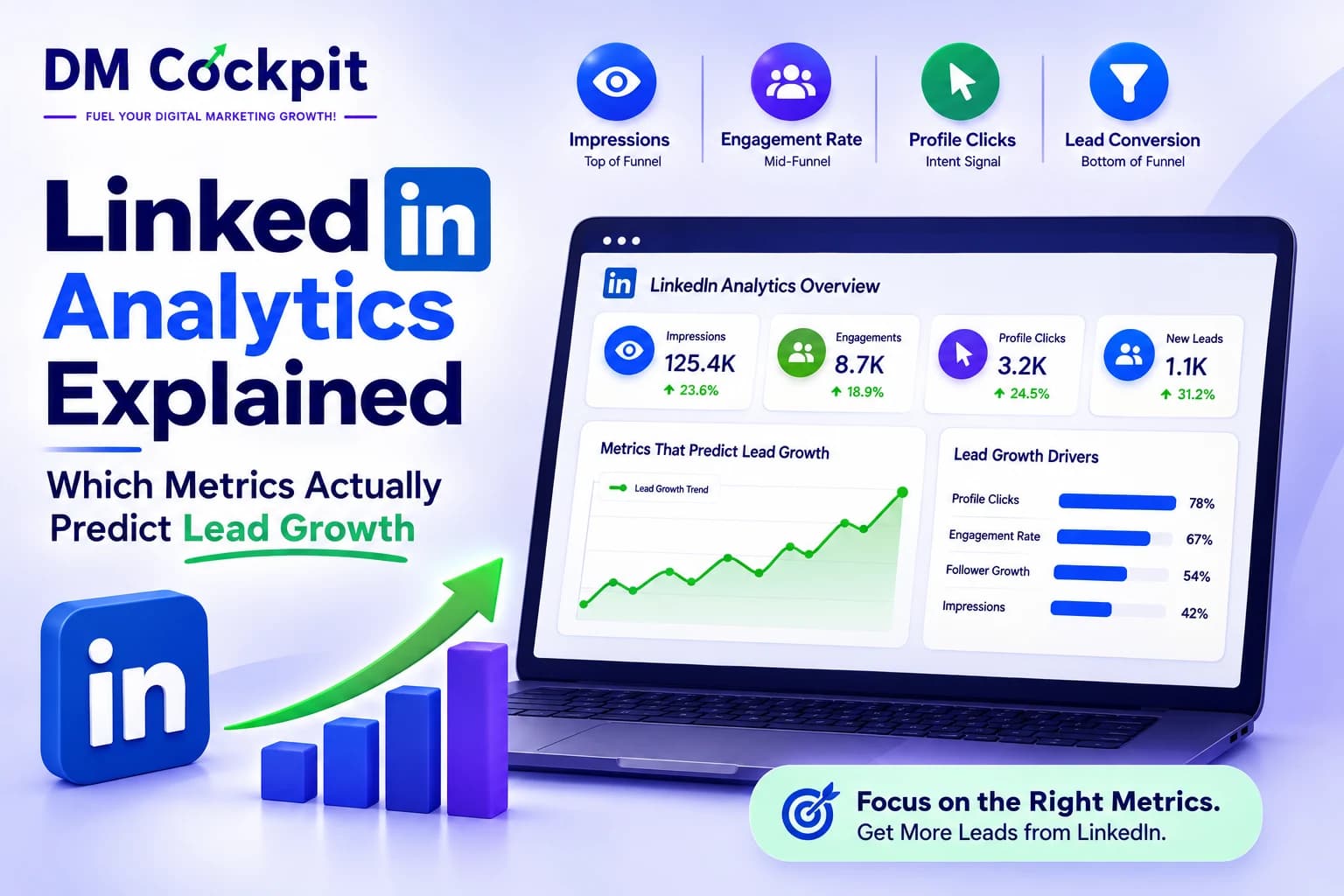
LinkedIn can make a marketing campaign look successful long before it proves its value. A post gets thousands of impressions, reactions start climbing and follower numbers look healthy. Then someone asks the question that actually matters: "Did any of this help generate leads?"
At DM Cockpit, we look at LinkedIn data differently. A LinkedIn Insights Tool should not simply tell you which post received the most attention. It should help you understand what that attention means for the business, which audiences are responding, what content is creating genuine interest and where LinkedIn fits into the path towards a lead.
The problem with measuring LinkedIn by likes
Likes are easy to count, which is probably why they get so much attention.
They are also one of the weakest indicators of commercial performance.
A post can receive hundreds of reactions because the topic is entertaining, relatable or easy to agree with. That does not mean the people interacting with it are potential customers.
The opposite can happen too. A technical post may receive relatively few reactions but generate several profile visits, website clicks and enquiries.
This is why we never look at engagement in isolation.
We want to know what happened after someone noticed the post.
Think about LinkedIn as a journey
A useful way to interpret LinkedIn analytics is to look at the movement from awareness towards intent.
Impressions → engagement → profile interest → website visit → conversion
Not every person will follow this exact path. Someone might see a post several times before visiting the website. Another person might read a post, remember the brand and return through Google weeks later.
Still, the model gives us a useful way to separate visibility from genuine business interest.
The further a metric moves towards an action that matters to the business, the more carefully we examine it.
Impressions tell us whether the content is getting distributed
Impressions are useful.
They tell us how often LinkedIn displayed a post, which gives us a basic view of reach. If impressions are consistently increasing, our content may be reaching a larger audience.
But impressions do not tell us whether the audience is relevant.
Imagine two posts. One reaches 40,000 people but attracts almost no website activity. Another reaches 6,000 people and sends highly relevant visitors to a service page.
The first post wins on visibility. The second may be much more valuable commercially.
We therefore use impressions to understand reach, not to declare a campaign successful.
Engagement becomes more useful when we look at the type
There is a big difference between someone liking a post and someone taking the time to comment, share it or click through to another page.
We look at these actions separately.
Comments can show that a topic has created enough interest for someone to respond. Shares can indicate that the content is useful or relevant enough to pass to another audience. Clicks suggest that the person wants more information.
None of these guarantees a lead.
They simply give us stronger signals than impressions alone.
We also compare engagement with reach. A post with 500 interactions sounds impressive until we know how many people saw it.
Profile views can reveal hidden interest
Profile views are easy to overlook because they are not as dramatic as a large impression count.
For us, they can be more revealing.
Someone who sees a post and then visits the company's LinkedIn profile has taken another deliberate action. They want to know who is behind the content.
When we notice that certain topics consistently produce profile visits, we pay attention.
For example, if posts about technical SEO generate more profile interest than general marketing updates, there may be a clear audience preference developing.
That information can influence future content.
Link clicks are where the picture starts changing
A LinkedIn post can create plenty of engagement without sending anyone to the website.
That is not necessarily a problem. Some content is designed for awareness or discussion.
But when the goal is lead generation, clicks deserve closer attention.
We look at which posts send people to:
- Service pages
- Product pages
- Blog content
- Case studies
- Landing pages
- Contact or enquiry pages
We then compare those clicks with what happens on the website.
A click is useful. A relevant visitor who explores several pages and eventually enquires is much more useful.
The website tells us what LinkedIn cannot
This is where social analytics becomes much more interesting.
LinkedIn can tell us that someone clicked a link. It cannot, by itself, tell us everything about what happened afterwards.
Once that visitor reaches the website, we want to understand their behaviour.
Did they leave immediately?
Did they read the page?
Did they visit another service?
Did they complete a form?
Did they return later?
This is why we prefer to connect LinkedIn data with website analytics rather than treating social reporting as a separate activity.
A post with 20 clicks can be more valuable than one with 200 clicks if those 20 visitors are much closer to becoming customers.
Audience quality matters more than audience size
LinkedIn has an advantage for B2B marketing because its audience data can provide professional context.
We can look at factors such as industry, job function, seniority, company size and location, depending on the available data.
This changes how we interpret engagement.
Suppose a software company wants to reach marketing directors but most of its engagement comes from students and entry-level professionals.
The engagement rate may look healthy. The audience fit is not.
A smaller audience made up largely of the people involved in buying decisions can be far more useful than a large but irrelevant audience.
When we use a LinkedIn Insights Tool, audience quality is therefore part of the analysis, not an afterthought.
Some content is built for attention. Some is built for action.
Not every LinkedIn post needs to generate a lead.
That is an important distinction.
An industry opinion might be designed to start conversations. A research report might be intended to attract website traffic. A case study may be much closer to a conversion asset.
If we expect every post to produce the same outcome, the reporting becomes misleading.
Instead, we ask what each piece of content was supposed to achieve.
A post that creates awareness has done its job if it reaches the right people.
A post promoting a landing page has a different job. For that post, clicks and conversions deserve more weight.
Look for patterns across content, not one-off winners
One of the easiest mistakes in social reporting is declaring a strategy successful because one post performed exceptionally well.
A single post can take off for countless reasons.
Perhaps the subject was timely. Perhaps someone influential shared it. Perhaps the format happened to work particularly well that week.
We look for repeatable patterns instead.
If posts around one subject consistently produce stronger profile activity and website visits, that is useful.
If a particular format repeatedly attracts the right audience, it deserves more attention.
The goal is to find what can be repeated, not simply celebrate what happened once.
Which metrics deserve the most attention?
We generally divide LinkedIn metrics into three groups.
Visibility metrics
These include impressions and reach.
They tell us whether the content is being seen, but they do not tell us whether the audience is likely to become a customer.
Interest metrics
These include comments, shares, profile views and link clicks.
They give us stronger signals that someone is actively responding to the content or business.
Business metrics
These include website engagement, enquiries, conversions and qualified leads.
This is where LinkedIn activity connects directly with business objectives.
There is no universal metric that predicts lead growth on its own. The useful insight comes from connecting these groups.
If reach increases, relevant people engage, website traffic rises and qualified enquiries follow, we have a much stronger case that LinkedIn is contributing to growth.
What if engagement is rising but leads are not?
This is a question we often come back to.
When engagement looks healthy but leads remain flat, we do not immediately conclude that LinkedIn is failing.
We investigate the gap.
Perhaps the content is attracting the wrong audience. Perhaps people are interested in the topic but have no reason to buy. Maybe the posts generate clicks, but the landing page does not make the next action clear.
The problem may sit on LinkedIn, on the website or somewhere between the two.
That is why looking at the full journey matters.
How we use LinkedIn analytics at DM Cockpit
At DM Cockpit, our LinkedIn Insights Tool helps bring social performance data into the wider digital marketing picture.
We are less interested in producing a report that says, "Your impressions increased by 18%."
We want to understand why they increased, who is engaging, what content is driving meaningful activity and whether that activity is contributing to business results.
That makes the data useful for the next decision.
Should we create more content around a particular topic? Should we change the audience? Should we improve the landing page? Should we stop investing time in a format that generates attention but little intent?
Good analytics should help answer those questions.
Frequently asked questions
1. Which LinkedIn metric is most important for lead generation?
Qualified leads and conversions matter most. Engagement, clicks and website activity can help identify the content and audiences that are moving towards those outcomes.
2. Are LinkedIn impressions a vanity metric?
Not necessarily. Impressions are useful for measuring reach, but they become meaningful when considered alongside audience quality, engagement and downstream actions.
3. Do LinkedIn likes help generate leads?
They can contribute to visibility, but likes alone are weak evidence of commercial intent. Clicks, profile visits, website activity and conversions provide stronger signals.
4. Why are my LinkedIn posts getting engagement but no enquiries?
Your content may be reaching the wrong audience, creating interest without purchase intent or sending visitors to a page that does not support conversion.
5. Should follower growth be included in LinkedIn reporting?
Yes, but follower growth should be evaluated alongside audience quality. A smaller audience that matches your target customers can be more valuable than rapid growth from irrelevant users.
6. How can I connect LinkedIn activity with lead growth?
Compare LinkedIn engagement and referral traffic with website behaviour and conversion data. This helps show whether social activity is contributing to actual enquiries rather than stopping at engagement.
7. What does a LinkedIn Insights Tool help with?
A LinkedIn Insights Tool helps businesses bring together social performance and audience data so they can identify useful trends, compare content and make better marketing decisions.