
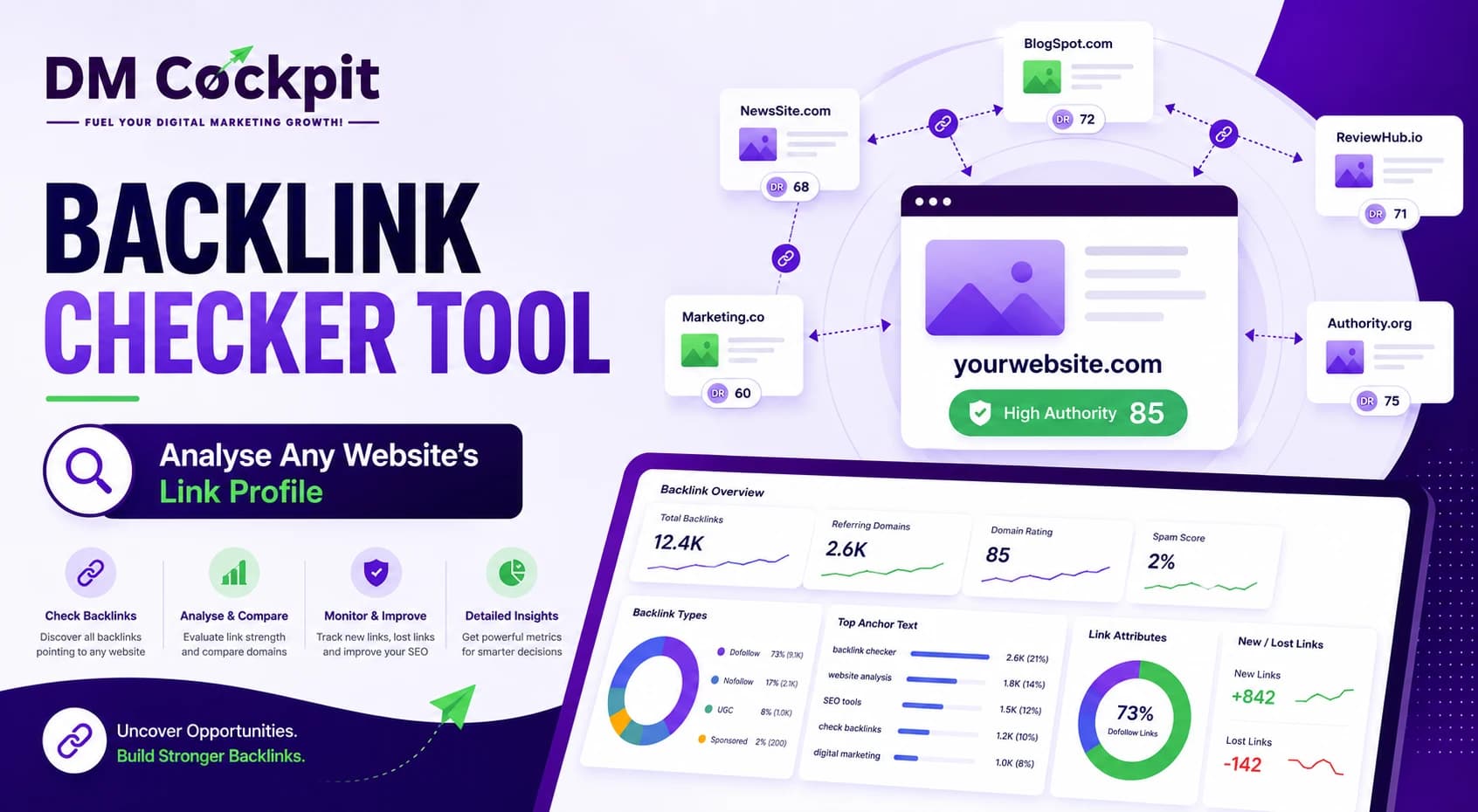
When we analyse a website's SEO performance at DM Cockpit, we do not look at backlinks as a simple number. A Backlink Checker Tool helps us see who is linking to a website, which pages are attracting those links, how the link profile is changing and whether there are patterns worth investigating.
This makes backlink analysis useful for more than checking your own website. You can use it to study competitors, find link-building opportunities, investigate lost links and understand why certain pages perform better than others. Here is our step-by-step process for analysing a backlink profile properly.
What you need before starting
Before we begin, we decide what we want the analysis to tell us.
If we are auditing our own website, we may want to find lost links or understand whether our backlink profile is growing. If we are analysing a competitor, we are more interested in discovering which websites link to them and what type of content earns those links.
We then need the domain we want to investigate and access to a reliable Backlink Checker Tool.
At DM Cockpit, we recommend looking at the full profile first rather than jumping straight into individual backlinks. This gives us context before we start making decisions.
Step 1: Enter the domain
Start by entering the website or domain into the backlink checker.
The initial report should give you an overview of the site's link profile. We normally look at:
- Total backlinks
- Referring domains
- Domain-level quality metrics
- New backlinks
- Lost backlinks
- Anchor text
- Link types
- Potentially toxic links
Do not judge the website from the first number you see.
A domain with 20,000 backlinks is not automatically stronger than one with 5,000. We need to understand where those links come from.
Step 2: Compare backlinks and referring domains
This is one of the first checks we make.
Backlinks are individual links pointing towards a website. Referring domains are the unique websites providing those links.
For example, one website could have 10,000 backlinks from 300 referring domains. Another could have 5,000 backlinks from 1,000 referring domains.
The second website has fewer links but a wider range of referring websites.
That does not automatically make its profile better. However, it tells us that backlink volume alone is not enough to judge SEO strength.
We always look at both numbers together.
Step 3: Review the referring domains
Now we look at the actual websites linking to the domain.
This is where backlink analysis starts becoming useful.
Ask:
- Is the referring website relevant to the industry?
- Does it appear to be a genuine website?
- Does the linking page contain useful content?
- Is the link placed naturally?
- Does the website have signs of real organic visibility?
At DM Cockpit, we use metrics such as Domain Trust to help assess referring domains. These metrics are useful when working through a large backlink list, but we do not rely on a score alone.
A relevant industry website with a sensible contextual link deserves more attention than a random website simply because both have a similar metric.
Step 4: Find the pages attracting backlinks
Next, we check which pages on the website have earned the most links.
This can reveal what other websites find useful enough to reference.
You might find that a detailed guide has attracted more links than the homepage. A research article, statistics page, tool or original resource may also perform particularly well.
For your own website, this tells us what type of content is earning attention.
For a competitor, it gives us another question to investigate: Why are people linking to this page?
The answer could be original information, useful research, a strong resource or simply a topic that has genuine demand.
We are not trying to copy the page. We are trying to understand the reason it earned links.
Step 5: Analyse the anchor text
Anchor text is the clickable text used in a backlink.
We review it to understand how external websites are referring to the linked page.
A natural profile can contain branded terms, URLs, page titles, generic phrases and descriptive text. We are not looking for an exact formula.
Instead, we look for unusual patterns.
If a website has a very large number of backlinks using the same exact commercial keyword, that deserves further investigation. The link itself may be perfectly legitimate, but an unusual concentration can provide useful context about how the profile was built.
Step 6: Check new backlinks
A backlink audit should not be treated as a one-time snapshot.
We also check recently acquired links.
New backlinks can tell us:
- Which pages are gaining attention now
- Which websites have recently mentioned the brand
- Whether a new content campaign is working
- Whether a PR or outreach campaign generated links
- Which topics are attracting external interest
This information becomes especially useful when we compare it with changes in organic rankings and traffic.
A sudden increase in links around a particular resource may explain why that page has started gaining visibility.
Step 7: Investigate lost backlinks
We give lost links similar attention.
A backlink can disappear because a page was removed, the linking article was updated, the URL changed or the website itself changed.
Not every lost backlink is worth recovering.
We prioritise links from relevant and trustworthy websites, especially when they point towards important pages.
If a valuable link disappeared recently, we investigate what happened. Sometimes the page has simply moved and the link can be recovered. Other times, the original content no longer exists.
The important thing is knowing which losses matter.
Step 8: Look for potentially toxic links
This is an area where we recommend caution.
Finding an unfamiliar or poor-quality backlink does not automatically mean your website has a problem. Websites naturally attract unwanted links as they become more visible.
At DM Cockpit, our Toxic Score helps us identify links and patterns that may deserve closer attention.
We look for broader patterns rather than reacting to individual links. Large numbers of irrelevant domains, suspicious link networks or websites created primarily for publishing links may require further investigation.
The aim is to understand the profile before taking action.
Step 9: Analyse your competitors
Once we understand our own backlink profile, we can apply the same process to competitors.
Enter a competing domain and look at its referring domains, linked pages and backlink history.
We then look for websites that:
- Link to the competitor
- Are relevant to the industry
- Have a genuine reason to reference the competitor
- Do not currently link to us
These can become potential outreach opportunities.
For example, suppose a competitor has earned a link from an industry publication because it published original research. If we have useful research or a stronger resource on the same subject, that publication may be worth approaching.
The backlink tool gives us the opportunity. Our content still needs to give the website a reason to link.
Step 10: Compare backlinks with other SEO data
Backlinks are only one part of SEO.
At DM Cockpit, we prefer to connect backlink data with rankings, organic traffic, keywords and competitor performance.
Suppose a competitor has twice as many referring domains as your website. That is useful information, but it does not explain the whole difference.
We then ask:
- Which pages receive the most organic traffic?
- Which keywords do those pages rank for?
- Which pages have earned the strongest backlinks?
- Are competitors gaining links consistently?
- Are their strongest links concentrated around particular topics?
This gives us a much clearer picture of how backlinks fit into the wider SEO strategy.
Step 11: Turn the data into actions
The final step is the one that matters most.
A backlink report can contain thousands of links, but the goal is not to stare at a spreadsheet.
We group our findings into practical actions:
Protect valuable links: Keep track of strong links pointing to important pages.
Recover useful lost links: Investigate recent losses from relevant websites.
Create link-worthy content: Study pages that consistently attract external links.
Find outreach opportunities: Identify relevant websites linking to competitors.
Investigate suspicious patterns: Review potentially problematic links before taking action.
This turns backlink analysis into an SEO workflow rather than a collection of numbers.
How we use a Backlink Checker Tool at DM Cockpit
At DM Cockpit, we use backlink data to answer practical SEO questions.
Where are competitors earning links? Which pages are attracting attention? What links have we gained or lost? Are there referring domains worth pursuing? Does the backlink profile contain patterns that need investigation?
Our Backlink Checker Tool brings backlink information, referring domains, anchor text, link changes and other SEO signals into one place.
That means we can spend less time collecting data from different platforms and more time working out what the data actually means.
A strong backlink profile is not simply about having more links. It is about earning links from relevant websites, understanding how that profile develops and using the information to make better SEO decisions.
Frequently asked questions
1. What is a Backlink Checker Tool?
A Backlink Checker Tool shows which external websites link to a domain or webpage and provides data for analysing those links.
2. Are more backlinks always better?
No. Quality, relevance, referring-domain diversity and the context of each link matter more than backlink volume alone.
3. What is a referring domain?
A referring domain is a unique website that provides one or more backlinks to another website.
4. Can I check a competitor's backlinks?
Yes. Competitor backlink analysis can reveal websites linking to competing domains and help you identify potential link-building opportunities.
5. How often should I check backlinks?
For an active SEO campaign, we recommend checking the profile regularly and reviewing new and lost links as part of your wider SEO reporting.
6. Should I remove every toxic backlink?
No. An unusual backlink does not automatically require removal. Investigate the source and the wider pattern before deciding what action, if any, is needed.
7. What should I do after analysing my backlinks?
Use the findings to protect valuable links, investigate losses, identify relevant outreach opportunities and create content that has a genuine reason for other websites to reference.