
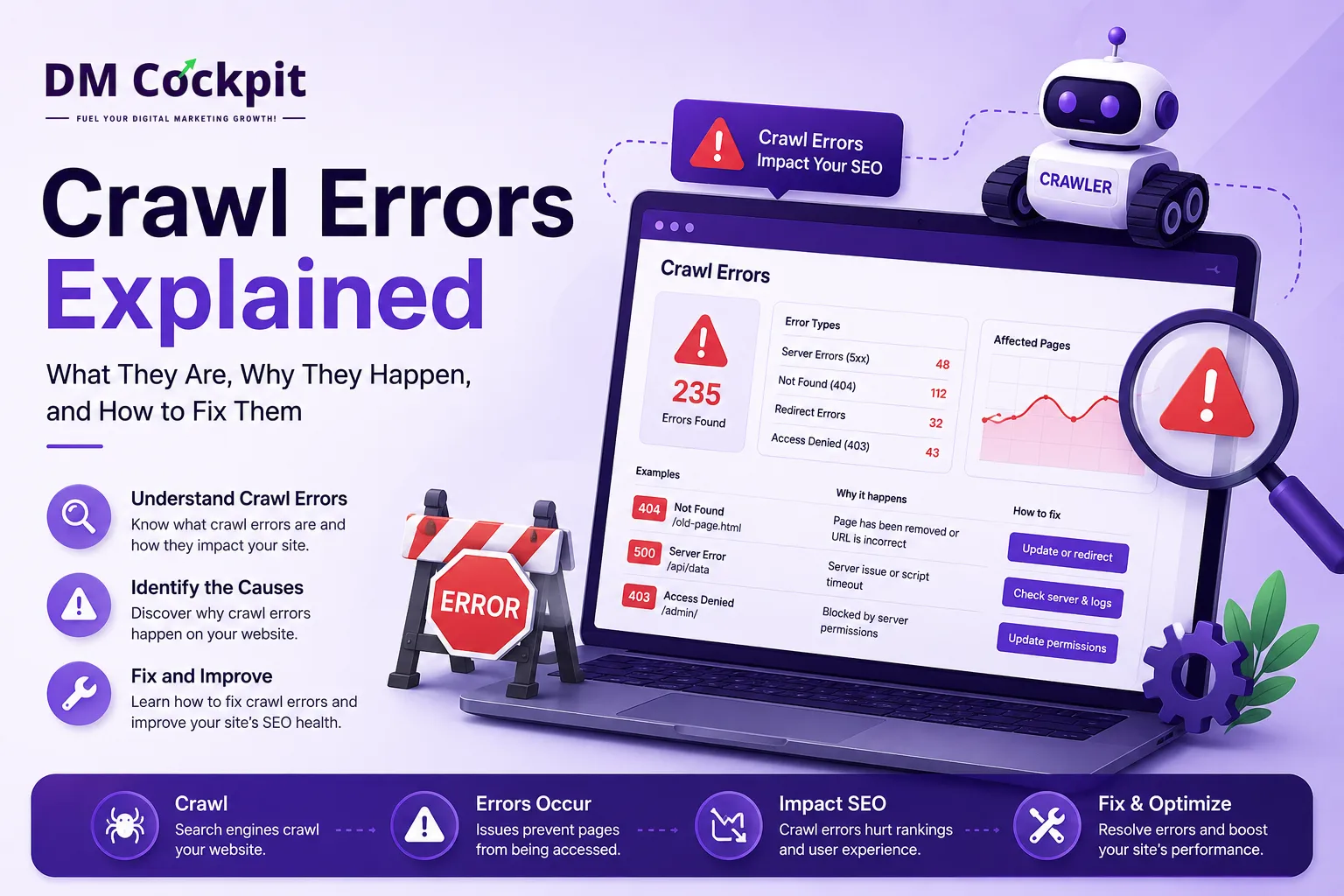
When we run a technical SEO audit at DM Cockpit, crawl errors are one of the first things we check. If search engine crawlers cannot reach important pages, those pages may struggle to be discovered, crawled or indexed. A Website Audit Tool helps us find these issues quickly, showing which URLs are affected and what may be causing the problem.
In this guide, we will walk through our practical process for finding crawl errors, deciding which ones matter and fixing them without creating new technical issues.
What are crawl errors?
A crawl error happens when a search engine crawler tries to access a URL but cannot access or process it as expected.
A page may have been deleted, a link may point to an incorrect URL, a redirect may be broken, or the server may have returned an error.
Not every crawl error is urgent. A deleted page that nobody needs is very different from a main service page returning a 404. We first look at the impact before deciding what to fix.
Step 1: Crawl the website
We start by entering the website into a Website Audit Tool and running a full crawl.
The audit highlights issues affecting URLs, links and crawlability. We first look for patterns, because one underlying problem can affect dozens of URLs.
Step 2: Check 4xx errors
4xx status codes generally mean that the server could not fulfil the request. The most familiar example is a 404 Not Found error.
These can appear when:
- A page has been deleted.
- A URL has changed.
- An internal link still points to an old address.
- A migration left behind outdated URLs.
A 404 is not automatically a problem. If a page was intentionally removed and has no relevant replacement, it can remain a 404. We focus on errors affecting important pages or internal links.
If the page has moved permanently to a relevant new URL, we consider a 301 redirect. If another page links to the wrong address, we fix the internal link.
Step 3: Investigate 5xx server errors
5xx errors indicate a server-side problem. Common examples include 500, 502, 503 and 504 errors.
We check whether the issue affects one URL or an entire section. If it is server-related, the development or hosting team may need to investigate logs, configuration, resource limits or availability.
Step 4: Review redirects and broken internal links
Redirects are useful when URLs change, but poorly configured redirects can create problems.
We look for redirect chains, redirect loops, broken destinations and redirects to irrelevant pages.
If URL A redirects to B and B redirects to C, we would normally prefer A to go directly to C when C is the correct destination.
We also check internal links. Updating a link to an old URL is usually better than sending users and crawlers through an unnecessary redirect.
Step 5: Check blocked pages
Sometimes a page works normally in a browser but search engine crawlers cannot access it. This can happen because of robots.txt rules or other crawl restrictions.
We review blocked URLs against the website's purpose. Blocking certain areas can be intentional. The problem is when an important service, product or content page is blocked by mistake.
Do not remove robots.txt rules simply because an audit flags them. First confirm why the restriction exists.
Step 6: Look for orphan pages and sitemap problems
Not every crawlability issue produces an error code.
An orphan page has no internal links pointing towards it from other crawlable pages. It may still exist and even appear in search results, but it is disconnected from the site's internal structure.
If the page is valuable, we look for natural places to link to it.
We also check the XML sitemap. Important sitemap URLs should be accessible and return the expected status code.
Step 7: Prioritise the problems
A large website audit can produce a long list of warnings. We do not treat every item equally.
Our first priority is usually:
High impact: Important pages returning 4xx or 5xx errors, major crawl blocks and redirect loops.
Medium impact: Broken internal links, redirect chains and incorrect sitemap URLs.
Lower impact: Issues involving old, low-value or intentionally unavailable URLs.
The right priority depends on the website. A 404 on a discontinued blog post is one thing. A 404 on the page that generates most of your enquiries is something else entirely.
Step 8: Fix the root cause and crawl again
Once we know which issues matter, we make the appropriate fixes.
That might mean restoring a page, updating an internal link, adding a relevant 301 redirect, correcting a sitemap entry or asking a developer to resolve a server problem.
Then we run the audit again.
This final crawl matters. We want to confirm that the original error has disappeared and the fix has not created another problem. Changing a URL may solve one 404 while leaving old internal links behind.
How DM Cockpit helps with crawl errors
At DM Cockpit, we use website audits to turn technical SEO problems into something teams can actually work through.
Our Website Audit Tool helps identify crawlability and other technical issues across a website, giving you a clear view of affected URLs and areas that need attention.
The goal is not a report full of errors. The useful question is: What needs fixing first, and why?
Once you understand the cause and impact of each issue, technical SEO becomes easier to manage.
A crawl error does not always mean a broken website
Websites change. Pages are removed, URLs are updated and old links remain in places you may have forgotten about.
Seeing errors does not mean the entire website is unhealthy. What matters is whether important pages are accessible and internal linking works properly.
Use a Website Audit Tool to find the issues, investigate their causes and prioritise the fixes that can make a real difference.
That is the approach we take at DM Cockpit. We want an audit to lead to better decisions, not just a longer error list.
Frequently asked questions
1. is a crawl error?
A crawl error occurs when a search engine crawler cannot properly access or process a URL.
2. Are all crawl errors harmful?
No. Some are intentional or affect pages that no longer need to exist. Focus on errors affecting valuable pages or the site's ability to be crawled.
3. Can a Website Audit Tool find crawl errors?
Yes. A Website Audit Tool can identify broken links, 4xx and 5xx responses, redirect problems and crawl restrictions.
4. Should every 404 be redirected?
No. Redirect a deleted URL when there is a relevant replacement. If there is no suitable destination, a 404 may be correct.
5. How often should I run a website audit?
Run audits regularly, especially after a migration, redesign, major URL changes or significant technical updates.
6. What should I do after fixing crawl errors?
Run the crawl again and verify the affected URLs. Check that the fixes worked and did not create new technical problems.