
As an agency owner, you are solving problems for clients every single day.
But here is a question worth asking honestly —
Are you solving the same problems for your own agency?
Do you know right now — without calling anyone, without opening a spreadsheet, without waiting for a report — exactly how many leads came in this week, which campaign sent them, what your sales team is doing with them, how your SEO is performing, what your Google Ads spent, and what your website health looks like?
If the answer is no — or even "sort of" — you are running your agency on incomplete information.
DM Cockpit changes that. Completely.
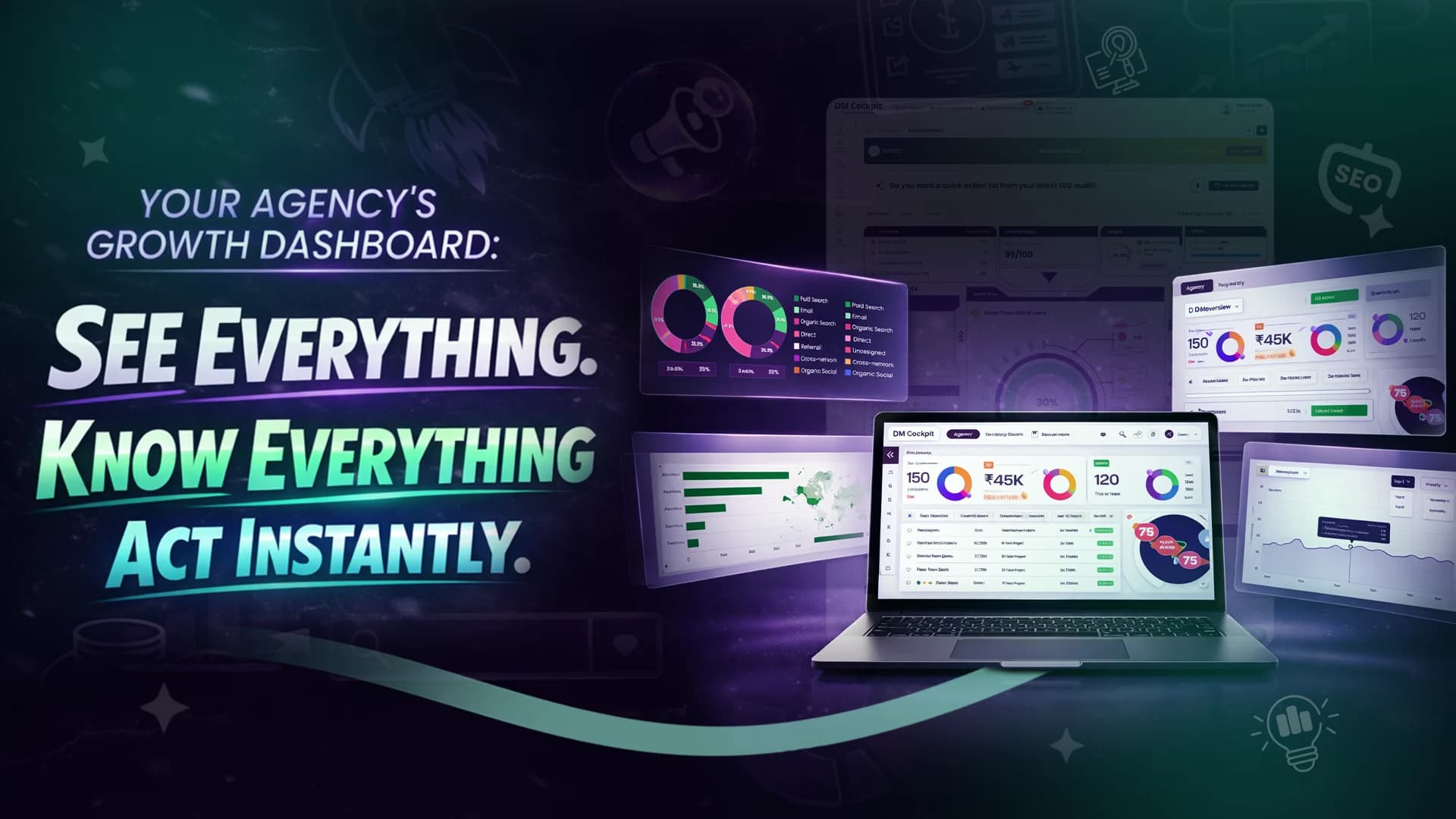
One dashboard. Every metric that matters. For your agency, and for every client you manage.
Here is exactly what you see — and what you can do with it.

1. Website Overview — Authority, Rankings & Visibility
The first thing on your dashboard tells you the SEO health of the website in numbers. Instantly.
- Organic Traffic — how much search traffic the site is pulling right now
- Organic Keywords — total keywords the site is ranking for
- Organic Traffic Cost — what that traffic would cost if you were buying it through ads
- Branded vs Non-Branded Keywords — are people searching for the brand directly, or is the site winning on generic search terms?
- SERP Features Visibility — is the site showing up in featured snippets, image packs, and other high-visibility positions?
Why does this matter for an agency owner: You open the dashboard in the morning and in 10 seconds you know — is organic performance up or down this week? You do not wait for your SEO team to send a report. You already know before the meeting starts.
2. Sales — Lead to Revenue Funnel
This is where DM Cockpit goes beyond every other SEO or marketing tool in the market.
Built directly into the same dashboard — your complete sales pipeline. Not in a separate CRM. Not in a spreadsheet somewhere. Right here.
What you see at a glance:
- All Inquiries — total leads received in any date range
- New Inquiries — leads that just came in and haven't been touched yet
- Qualified — reviewed and confirmed as worth pursuing
- Prospects — in active conversation right now
- Closed Deals — won revenue with values attached
- Lost Deals — with the exact amount that walked away
- Junk — filtered out cleanly so real numbers stay real
The Deal Funnel below this gives you the full picture visually — all stages at once, so you can see exactly where leads are moving and where they are getting stuck.
If 23 inquiries came in and zero are qualified — that is an immediate flag. Your team is not acting fast enough. You see it. You fix it today.
No status meeting needed.
3. Sales Team Performance — Who Is Doing What
This is the feature that most agency owners wish they had years ago.
For every salesperson on your team, DM Cockpit shows:
- How many deals are in their pipeline
- How many they have closed
- How many they have lost
- Total deal value assigned to them
- Total value actually converted
What this tells you without asking anyone:
One person has a full pipeline and zero closures → follow-up problem or pitch problem. You act on it now.
Another person is converting consistently at high value → that is your benchmark. That is what you replicate across the team.
Beyond numbers — follow-up requirements are visible directly. Which leads are sitting untouched. Which deals have gone quiet. Which stage has a bottleneck. All of it on the same screen, without a single check-in call.
4. Top Performing Channels & Campaigns — Know What Your Own Marketing Is Doing
Every inquiry that comes into your dashboard is automatically tagged with:
- Which source sent it — Google, organic, direct, social
- Which medium — CPC, GMB, none
- Which campaign — Healthcare, SMO, Real Estate, SEO, Website Development
- Which keyword triggered it
So you can see a breakdown like this:
|
Campaign |
Inquiries |
Closed |
|
SMO Mumbai |
9 |
0 |
|
Healthcare Digital Marketing |
2 |
1 |
|
Real Estate |
2 |
0 |
|
Google My Business Organic |
1 |
0 |
|
Website Development |
1 |
0 |
Nine inquiries from one campaign. Zero closures. Two inquiries from another. One closure.
Same budget. Completely different outcome.
DM Cockpit makes this visible so you stop funding noise and start funding what actually closes business. This is the discipline you sell to clients every day — now applied to your own growth.
5. Keyword Ranking Performance — Track Every Position Movement
DM Cockpit tracks your keyword rankings and scores them — giving you an Overall Keyword Performance Score so you know at a glance whether your SEO efforts are moving in the right direction.
You also see:
- Top Gainers — keywords that moved up in ranking this week, with exact position changes
- Top Losers — keywords that dropped, with how far and which pages are affected
- Location-based filtering — track rankings city by city, not just nationally
The direct value: You spot a keyword dropping before it becomes a traffic problem. You see a keyword climbing and double down on it. Real-time ranking intelligence without pulling a separate rank tracking report.
6. Social Media Performance — All Platforms, One View
Instagram. Facebook. LinkedIn. YouTube. All in one place.
For each platform, DM Cockpit shows you:
- Total likes, followers, reach, and views
- Post-level engagement — comments, shares, saves
- Total posts published and overall content performance
- Week-on-week comparison so trends are visible immediately
Why this matters: You are not jumping between four apps to understand social performance. One tab. All platforms. Full picture. You know what content is working and what is not — without asking your social media team to compile a report.

7. Google Ads Insight — Paid Performance at a Glance
For any agency running Google Ads — for clients or for themselves — DM Cockpit shows the full paid picture:
- Cost — total ad spend for the period
- Clicks — how many times ads were clicked
- Impressions — how many times ads were shown
- Conversion Rate — what the actual cost per conversion looks like
- Day-by-day graph — spot spikes, drops, and patterns instantly
The direct value: You see immediately if spend went up but conversions did not follow. You catch a performance dip on Tuesday and fix it before the week ends. No logging into Google Ads separately. It is all here.
8. Analytics Insight — Traffic, Behaviour & Conversions
Straight from Google Analytics into your dashboard:
- Total Users — with week-on-week change
- Sessions — and whether they are trending up or down
- Average Session Duration — are visitors engaging or bouncing?
- Engaged Sessions — quality traffic, not just volume
- All Conversions — total conversion events tracked
- Bounce Rate — a signal of content and landing page quality
- Daily graph — traffic patterns across the week
Why this is powerful: You see a 41% drop in conversions this week. You do not find out at month end. You find out today — and you still have time to do something about it.
9. Backlink Profile & Domain Authority — SEO Foundation Health
Your backlink profile tells the story of your website's authority. DM Cockpit shows:
- Total Backlinks — overall link volume
- Domain Trust Score — how authoritative the domain is
- Lost Backlinks — links that disappeared recently — a critical metric most agencies miss
- Referring Domains — how many unique domains are linking
- Spam Score — the risk level of your backlink profile
The direct value: A sudden spike in lost backlinks is an early warning sign. DM Cockpit shows you this before it hits rankings. You act before the damage shows up in traffic numbers.
10. Website Audit Score — Technical Health at a Glance
DM Cockpit runs a full technical audit and surfaces:
- Errors — critical issues hurting performance and rankings right now
- Warnings — issues that need attention before they become errors
- Notices — informational flags worth monitoring
- Suggestions — improvements that could lift performance further
Why this matters: Technical SEO issues are silent killers. They do not announce themselves — they just slowly drag down rankings and traffic. DM Cockpit makes them visible and measurable so your team always knows what to fix first.
11. Google Search Console — Organic Visibility & Indexing Health
Directly integrated. No separate login. DM Cockpit shows:
- Visibility Index — overall search presence score
- Clicks and Impressions — how often the site appears and gets clicked in search
- CTR — click-through rate trends across desktop and mobile
- Average Position — where the site is ranking on average
- Device Mix — how traffic is split across desktop, mobile, and tablet
The direct value: You see in one chart whether organic visibility is growing or shrinking — and which device is driving the most search traffic. Strategy decisions become faster and more accurate.

This Is What One Dashboard Actually Looks Like
Here is the full list of what DM Cockpit puts on a single screen for you:
|
What You See |
What It Replaces |
|
Lead pipeline + deal funnel |
Separate CRM tool |
|
Sales team performance |
Morning check-in calls |
|
Campaign source tracking |
Manual UTM reports |
|
Keyword rankings + gainers/losers |
Separate rank tracker |
|
Social media performance |
Logging into 4 platforms |
|
Google Ads insight |
Logging into Google Ads |
|
Analytics insight |
Logging into GA4 |
|
Backlink profile |
Separate SEO tool |
|
Website audit |
Separate audit tool |
|
Search Console data |
Logging into GSC |
Ten tools. One dashboard. Zero tab-switching.
The Agency Owner's Morning Just Changed
Old morning: open 6 tabs, check WhatsApp for team updates, wait for someone to send a report, guess whether the month is on track.
New morning with DM Cockpit: open one dashboard, read everything in 5 minutes, know exactly what needs action today, brief your team with facts not feelings.
This is not just convenience. This is the difference between running your agency reactively and running it with full control.
DM Cockpit is built for agency owners who want to stop guessing and start knowing — about their clients' performance and their own.
Try DM Cockpit free and see your entire operation in one place from day one.
Frequently Asked Questions
1. Does DM Cockpit show both my agency's own data and my clients' data?
Yes. DM Cockpit lets you manage multiple projects — your own agency's dashboard and separate dashboards for each client — all from one account. You switch between them without logging out or opening new tools.
2. Do I need to connect multiple tools to get all this data?
DM Cockpit integrates directly with Google Search Console, Google Analytics, Google Ads, and social media platforms. Once connected, all data flows into your dashboard automatically — no manual exports, no copy-pasting numbers.
3. How is the Inquiry CRM different from a regular lead form tool?
A regular lead form just collects contact details. DM Cockpit's Inquiry CRM tracks the complete journey — source, stage, assigned salesperson, deal value, follow-up status, and final outcome — all inside the same dashboard as your marketing data.
4. Can I track keyword rankings by city or location?
Yes. DM Cockpit tracks keyword rankings by location — so you can monitor performance in specific cities or regions, not just at a national level. This is especially useful for agencies managing local SEO campaigns.
5. How does DM Cockpit help with Google Ads management?
It pulls your Google Ads data directly into the dashboard — spend, clicks, impressions, conversions, and daily performance graphs — so you can monitor paid performance alongside organic, social, and CRM data without logging into Google Ads separately.
6. Is the website audit score updated regularly?
Yes. The audit runs regularly and updates your error, warning, notice, and suggestion counts so you always know the current technical health of the website — not a snapshot from three months ago.
7. What makes DM Cockpit different from other all-in-one marketing tools?
Most all-in-one tools cover marketing data but leave sales pipeline tracking out. DM Cockpit combines both — your complete marketing performance and your complete sales pipeline — in the same dashboard. That connection between marketing activity and actual revenue outcome is what makes the difference.